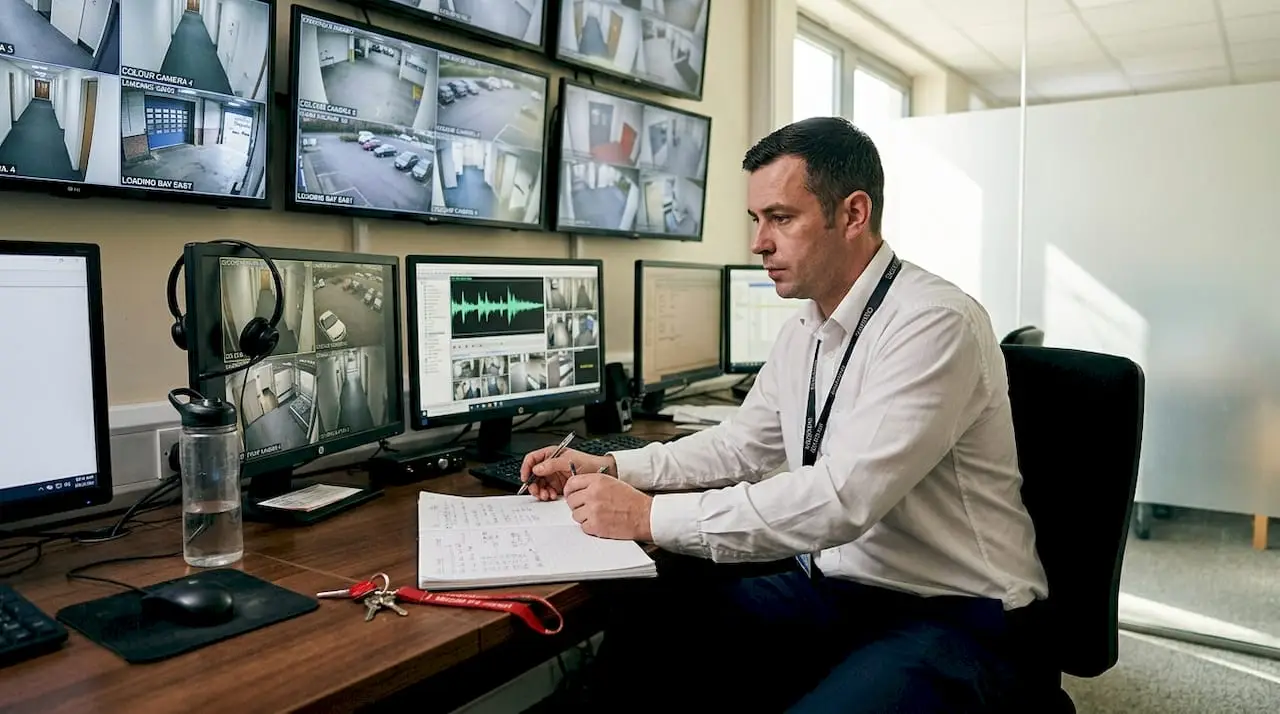
Many business owners assume that adding audio to a CCTV system automatically makes it more effective. In reality, audio monitoring adds complexity that demands careful legal and technical consideration before a single microphone is installed. UK law places strict obligations on any organisation that records conversations, and the consequences of getting it wrong range from ICO enforcement action to reputational damage. This guide walks you through the genuine benefits, the legal framework, the right hardware choices, and a practical compliance roadmap built for businesses in Essex and London.
Key Takeaways
| Point | Details |
|---|---|
| Audio adds context | CCTV audio can help clarify incidents and verify alarms, but is not always essential. |
| Strict compliance needed | UK law requires businesses to justify audio use, conduct a DPIA, and inform with signage. |
| Choose quality components | External microphones and shielded cabling improve audio performance and reduce noise. |
| Document your approach | Keep thorough records of compliance reviews and decisions to meet ICO standards. |
| Professional help is valuable | Working with experts ensures correct installation and ongoing legal compliance for your site. |
Why add audio to CCTV? Security and context
Audio does not automatically make a CCTV system better. What it does is add a layer of context that video alone cannot always provide. Imagine reviewing footage of a confrontation in your reception area. The video shows raised hands, but the audio tells you whether it was a heated argument or a physical threat, which changes how you respond and what evidence you can present.
The qualitative benefits of audio are well recognised by security professionals, even if hard crime reduction statistics remain elusive. No reliable benchmarks currently prove that audio recording reduces incidents by a specific percentage. What practitioners consistently report is that audio improves the quality of evidence and the speed of decision-making during an incident review.
Here are the core situations where audio genuinely adds value:
- Verbal dispute clarification: Audio captures the exact words exchanged, which is critical for HR investigations or police referrals.
- Alarm verification: Monitoring staff can distinguish genuine aggression from background noise, reducing false alarm responses.
- Evidence quality: Courts and insurers benefit from audio-supported footage when assessing liability.
- Incident context: Tone of voice and ambient sound can confirm whether a situation was accidental or deliberate.
Audio is a tool for context, not a guaranteed deterrent. Treat it as an enhancement to a well-designed video system, not a replacement for proper camera placement and coverage.
For a fuller picture of what audio can and cannot do, explore CCTV audio benefits and how analytic CCTV solutions can combine both intelligently.
Legal framework: UK regulations for CCTV audio
This is where many businesses come unstuck. Recording video in a workplace or commercial premises is relatively straightforward under UK GDPR and the Data Protection Act 2018. Recording audio is a different matter entirely, and the ICO treats it with considerably more caution.
The ICO advises that routine audio recording is highly intrusive and should only be used where there is a clear, documented justification. A retail shop that simply wants better security footage will not meet that threshold. A venue where staff regularly face verbal abuse from customers may well do so, provided the correct steps are followed.
“The more intrusive the processing, the stronger the justification needs to be.” This principle from the ICO applies directly to audio recording in any business setting.
Here are the compliance steps you must follow before enabling audio on any CCTV system:
- Conduct a Data Protection Impact Assessment (DPIA). Document why audio is necessary, what risks it poses to individuals, and how those risks will be mitigated.
- Register with the ICO. Most organisations processing personal data must pay the data protection fee and register their processing activities.
- Install clear signage. Notices must state that audio recording is in operation, explain why, and provide contact details for data queries.
- Define a retention period. Decide in advance how long audio data will be kept and stick to it. Do not retain recordings longer than the documented purpose requires.
- Restrict access. Only authorised personnel should be able to review or export audio recordings.
Pro Tip: Do not enable audio on cameras positioned in areas where private conversations are likely, such as break rooms or consultation spaces. Even if technically possible, the ICO will scrutinise any recording that captures conversations employees or customers would reasonably expect to be private.
For region-specific guidance, our article on CCTV regulations Essex covers local considerations in detail, and our guide to privacy laws for CCTV is particularly useful for higher-risk environments.
Core hardware: audio equipment and cabling choices
Once you have established a legal basis for audio recording, the quality of your hardware determines whether the investment is worthwhile. Poor equipment produces recordings that are legally compliant but practically useless, which defeats the purpose entirely.
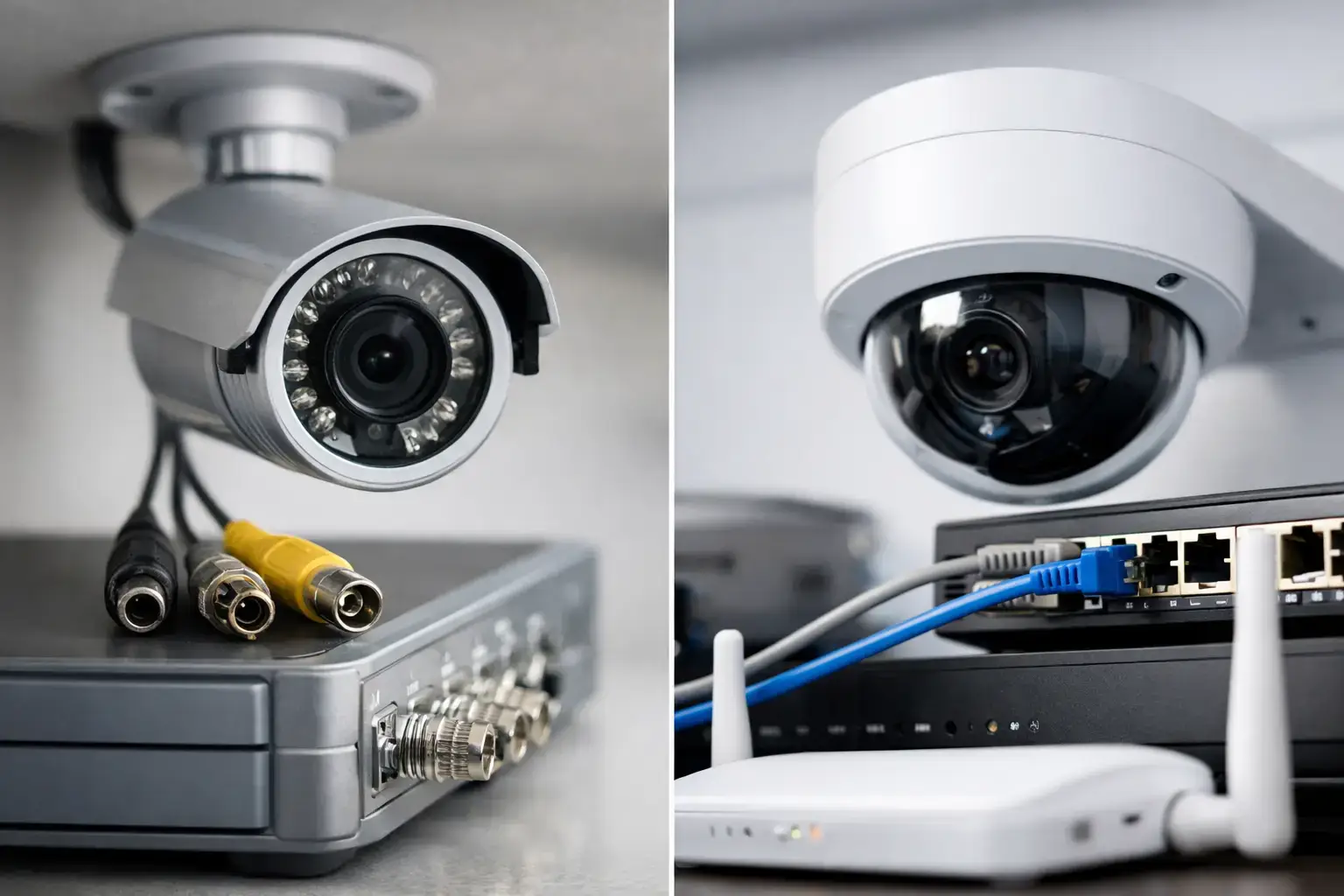
The most important decision is whether to use built-in or external microphones. External microphones outperform built-in ones in almost every scenario. Built-in mics are positioned wherever the camera is mounted, which is often too high or too far from the area of interest. External mics can be placed at the right height and angle to capture clear speech without excessive background noise.

Cabling is equally important. Unshielded cable picks up electrical interference from lighting systems, HVAC units, and other equipment, which introduces a persistent hum into recordings. Shielded 18/2 or 22/2 cable eliminates most of this interference and is the professional standard for audio runs in commercial installations.
Here is a comparison of the main audio codec options available in modern IP CCTV systems:
| Codec | Frequency range | Best use case | File size |
|---|---|---|---|
| G.711 | Narrowband (300Hz to 3.4kHz) | Voice clarity in controlled environments | Small |
| AAC | Full range (up to 20kHz) | High-fidelity recording, complex environments | Larger |
For most business applications, G.711 is sufficient for capturing speech clearly. AAC is worth considering if you need to capture a wider range of ambient sounds for incident analysis.
Key hardware considerations at a glance:
- Line-level microphones are preferable for longer cable runs, as they are less susceptible to signal degradation over distance.
- Placement testing is essential before finalising installation. A microphone that sounds excellent in an empty room may perform poorly once staff and customers are present.
- Avoid positioning near noisy equipment such as air conditioning units, servers, or industrial machinery.
Pro Tip: Always test microphone placement with the space in its normal operating state, not when it is empty. Ambient noise levels change significantly with occupancy, and a poorly placed mic will capture more background noise than useful speech.
For practical guidance on running cables correctly, see our resources on CCTV cable management and wiring for CCTV. Our CCTV installation services team handles all of this as standard.
How to ensure compliance: practical steps for Essex and London businesses
Pulling everything together into a workable process is where many businesses struggle. The legal requirements are clear in principle but can feel overwhelming in practice, particularly for facility managers juggling multiple responsibilities. The following framework gives you a structured path from decision to deployment.
Before anything else, prioritise video-only CCTV unless you have a documented, specific reason that audio is necessary. This is not just good legal practice; it also simplifies your system and reduces storage costs.
Here is a step-by-step compliance process for adding audio to an existing or new CCTV system:
- Identify the specific need. Write down the exact incidents or risks that audio would address. Vague justifications will not satisfy a DPIA or an ICO investigation.
- Complete the DPIA. Use the ICO’s published template. Document the necessity, proportionality, and safeguards for audio recording at each camera location.
- Update your ICO registration. If audio recording represents a new category of processing, your registration must reflect this.
- Install and position signage. Signage must be visible before a person enters the recorded area, not after. Include the name of the data controller and a contact point.
- Configure retention and access controls. Set automatic deletion schedules and restrict playback access to named individuals.
- Test and document microphone placement. Record the rationale for each microphone location and keep this as part of your compliance documentation.
- Schedule regular reviews. Revisit your DPIA and retention practices at least annually, or whenever the use of the space changes significantly.
The table below helps you decide when audio is appropriate versus when video-only is the right choice:
| Scenario | Video only | Audio enabled |
|---|---|---|
| General retail surveillance | Appropriate | Disproportionate |
| Staff safety in high-risk areas | Appropriate | Justified with DPIA |
| Reception or front-of-house | Appropriate | Consider carefully |
| Areas with regular verbal abuse | Appropriate | Justified with DPIA |
| Break rooms or private offices | Appropriate | Not appropriate |
| Entrances and car parks | Appropriate | Rarely justified |
For a broader installation framework, our CCTV installation guide covers system design from the ground up, and our guide to trusted CCTV installers Essex helps you identify the right professional support for your site.
How 247 CCTV Security helps achieve compliant solutions
Getting audio-enabled CCTV right requires more than buying the correct equipment. It requires a clear understanding of UK law, precise hardware installation, and ongoing compliance management that holds up to scrutiny.
At 247 CCTV Security, we work with business owners and facility managers across Essex and London to design and install systems that are both effective and fully compliant. We carry out compliance reviews before any installation begins, advise on DPIA requirements, and configure systems to meet ICO standards from day one. Whether you need a straightforward upgrade or a fully integrated audio and video solution, our team handles every stage. Explore our professional CCTV installation services, review our analytic CCTV solutions for smarter monitoring, or find out how CCTV leasing options can spread the cost of a compliant system across your budget.
Frequently asked questions
Is it legal to record audio with CCTV in the UK?
Yes, but only if it is essential for a specific security purpose and you follow ICO compliance requirements, including completing a DPIA and displaying clear signage before the recorded area.
Do audio cameras improve security outcomes?
Audio can add valuable context and help verify incidents more accurately, but no empirical benchmarks currently demonstrate a measurable reduction in crime from audio recording alone.
What signs must I display for audio recording?
You must display clear, visible notices stating that audio recording is in operation, the reason for it, and contact details for anyone wishing to raise a data query, as required by ICO signage guidance.
Which audio equipment gives the best results for CCTV?
External, line-level microphones paired with shielded 18/2 or 22/2 cabling consistently deliver better audio clarity and lower interference than built-in camera microphones.
How long should audio footage be kept?
Audio recordings should be retained only as long as the documented purpose requires, with scheduled deletion reviews to ensure data is not held beyond its justified period.