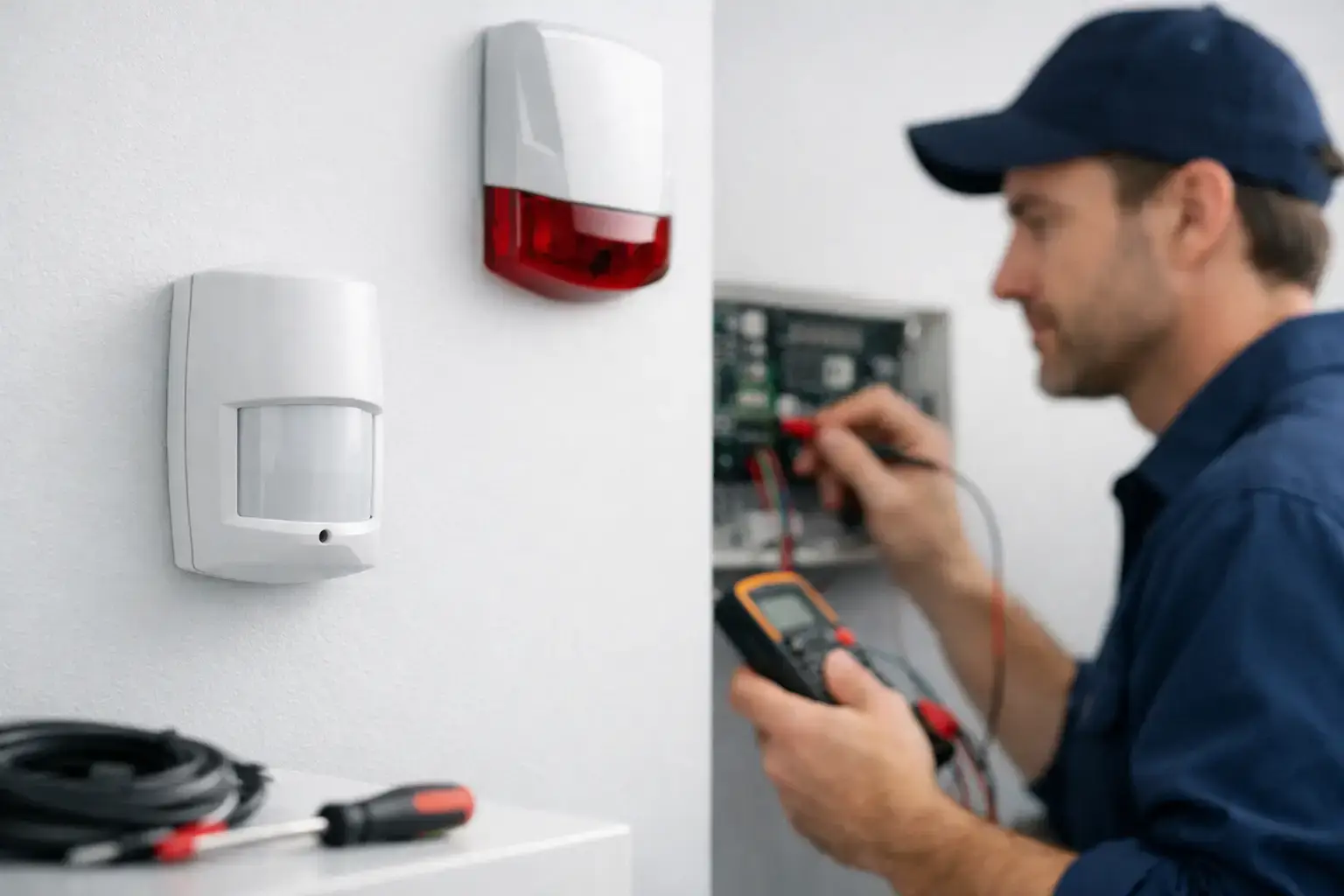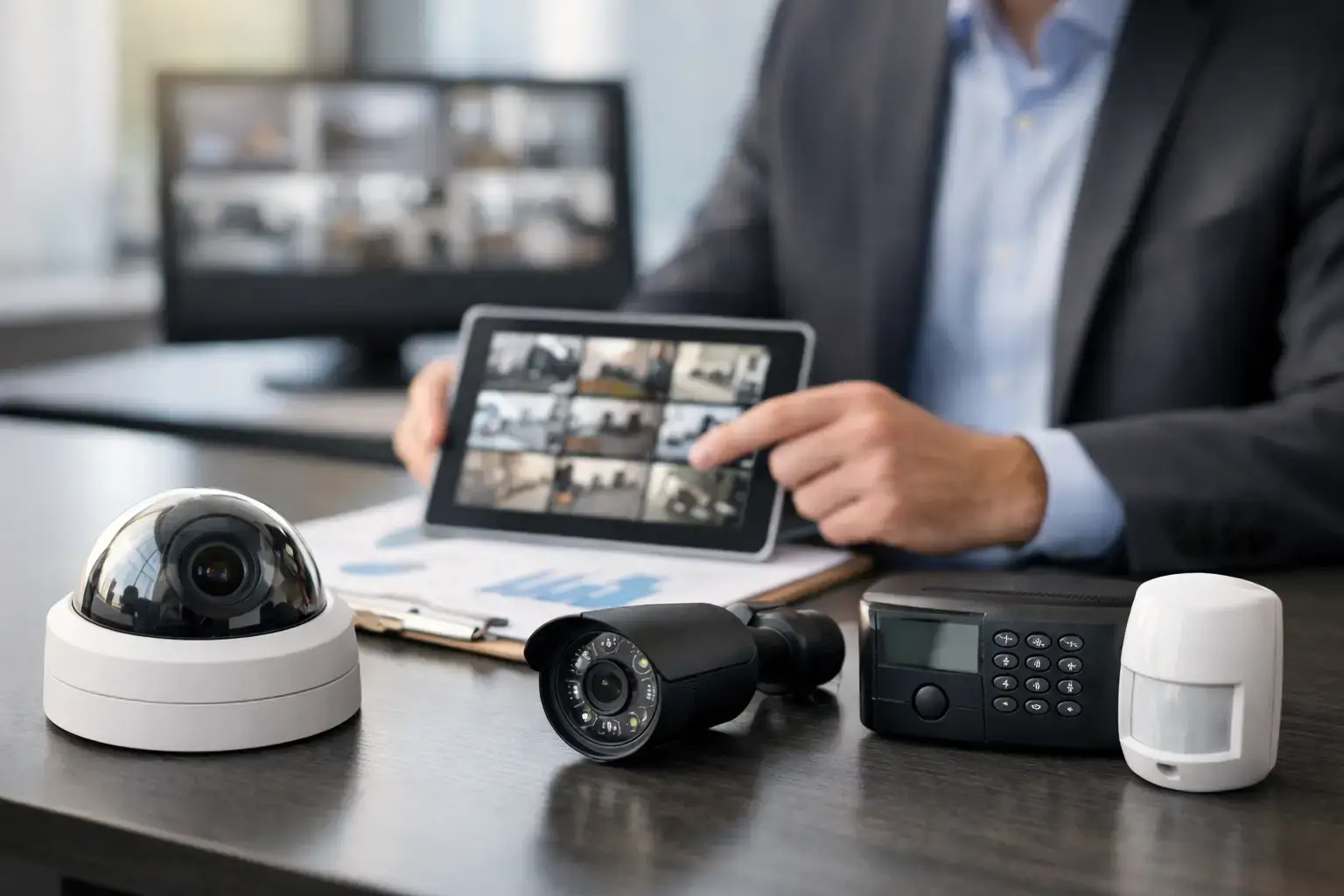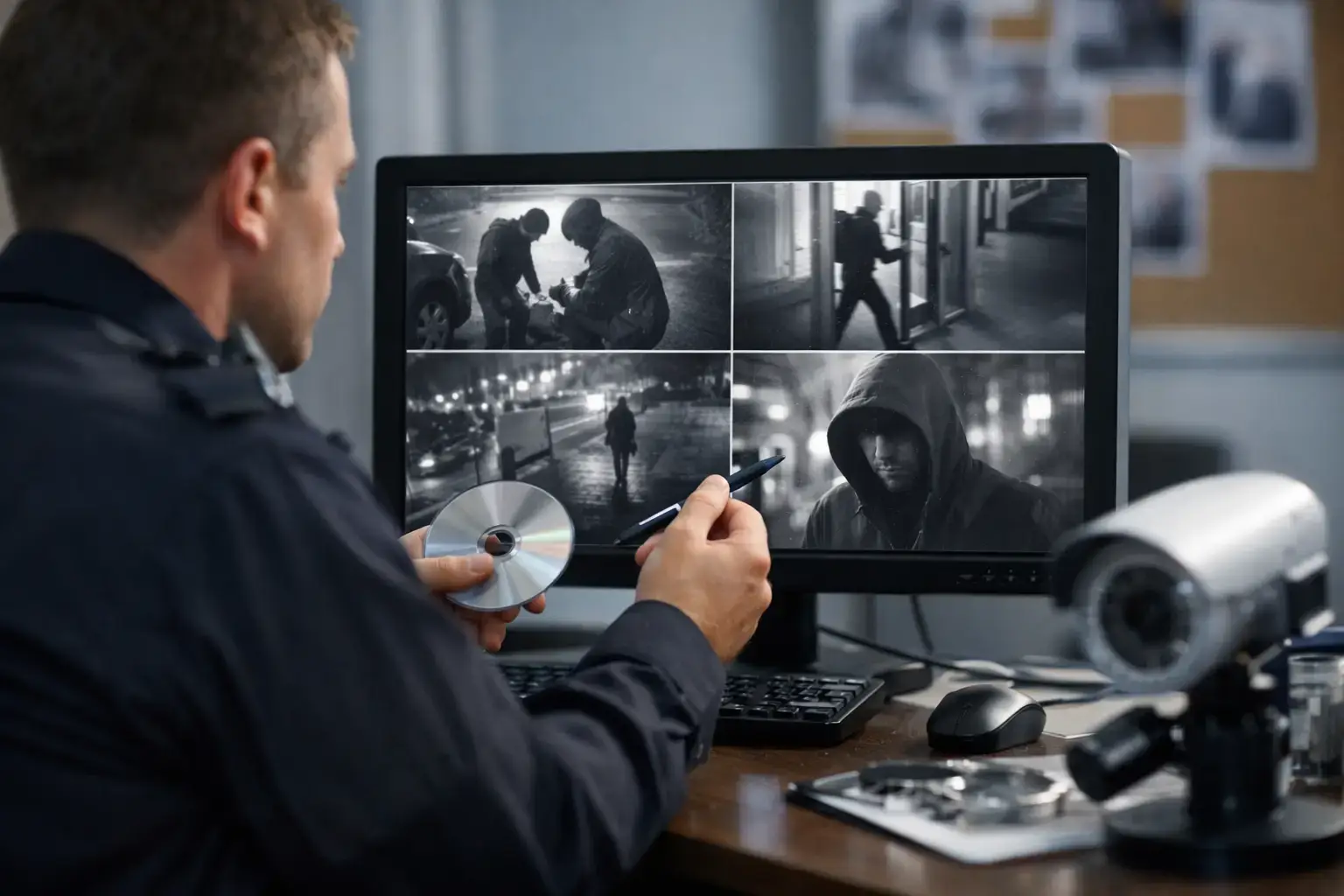
A four-camera system can look perfectly specified on paper, then run out of recording space in days once higher resolution, night footage and motion-heavy areas are factored in. That is why one of the most common questions we hear is, how much CCTV storage do you really need? The honest answer is that storage should be calculated around risk, recording quality and retention requirements, not guessed from the size of the hard drive alone.
For a homeowner, that might mean enough footage to review a week or two of activity around the front drive, garden and entrance. For a business, it may mean keeping clear evidential footage for 30, 60 or even 90 days across multiple cameras, often in line with operational policy, insurer expectations or internal investigation procedures. The right answer depends on what you need the system to prove when something goes wrong.
What actually determines CCTV storage?
Storage use is shaped by five main factors: camera resolution, frame rate, compression method, recording schedule and the amount of movement in view. More cameras obviously increase demand, but the detail within each stream matters just as much.
A 2MP camera recording at a modest frame rate will use far less storage than a 4K camera covering a busy loading bay all day and all night. If you add audio, continuous recording or multiple cameras in high-traffic areas, the requirement rises quickly. A quiet rear service yard may produce relatively little data on motion recording, while a school entrance, shop floor or shared office reception can generate far more because people are constantly passing through frame.
Compression is another key point. Modern H.265 and similar codecs help reduce file sizes without a major drop in usable quality, but there are limits. Storage can be managed more efficiently, not magically eliminated. If the footage needs to show faces, vehicle registrations or handling of stock in a dispute, quality cannot be reduced too far just to save space.
How much CCTV storage do you really need for your site?
The practical way to answer this is to start with retention. In other words, how long do you need footage kept before it is overwritten?
For many homes, 7 to 14 days is often enough, especially where footage is checked quickly after an incident. For small businesses, 14 to 30 days is common. Larger sites, higher-risk premises and regulated environments often need 30 days or more, particularly where incidents may only come to light after stock checks, staff reports or client complaints. Construction sites and industrial locations may also require longer retention if access disputes, damage claims or out-of-hours events need to be reviewed later.
Once retention is clear, the next question is whether every camera needs the same recording standard. Usually, it does not. This is where a professionally designed system makes a real difference. The main entrance, cash handling point, loading area or perimeter gate may justify higher image quality and longer retention than a low-risk internal corridor. Treating every view identically can waste storage and budget.
A sensible design balances coverage with purpose. Cameras intended for general awareness can record more efficiently, while critical areas are prioritised for detail. That approach usually delivers better evidence and better value.
Continuous recording or motion recording?
This is one of the biggest decisions affecting storage.
Continuous recording captures everything, which is useful where no gap can be tolerated. It is often the right choice for entrances, till areas, goods-in points, public-facing spaces and external perimeters where missing even a short event could matter. The trade-off is higher storage consumption.
Motion recording reduces storage use by only saving footage when movement is detected. In the right setting, it is highly effective. For quieter domestic areas or low-traffic commercial spaces, it can extend retention significantly. The downside is that poorly configured motion settings may miss the start of an incident or create too many false triggers from headlights, rain, trees or wildlife.
For many sites, a hybrid approach works best. Critical cameras record continuously, while lower-priority views use motion or scheduled recording. This keeps storage focused where risk is highest.
Why resolution is not the whole story
It is easy to assume that higher resolution always means a better CCTV system. In reality, the sharpest setting is only useful if the camera is positioned properly, the scene lighting is suitable and the storage can support it for the required retention period.
A badly placed 4K camera can still fail to capture a usable face. Meanwhile, a well-positioned 4MP camera aimed with a clear objective may provide stronger evidence and use far less storage. Resolution should support the task, whether that is recognising a person, reading a number plate or observing site activity.
Frame rate also deserves attention. Not every camera needs to record at high frame rates. In many environments, a moderate setting is more than adequate for review and evidence. Raising frame rate across every camera increases storage demand without always improving practical results.
Typical examples for homes and businesses
A typical home with four to six cameras, recording at sensible settings with efficient compression, may need enough storage for around 7 to 21 days depending on whether recording is continuous or motion-based. If the system includes high-resolution cameras covering a driveway, street view and rear garden continuously, the requirement rises.
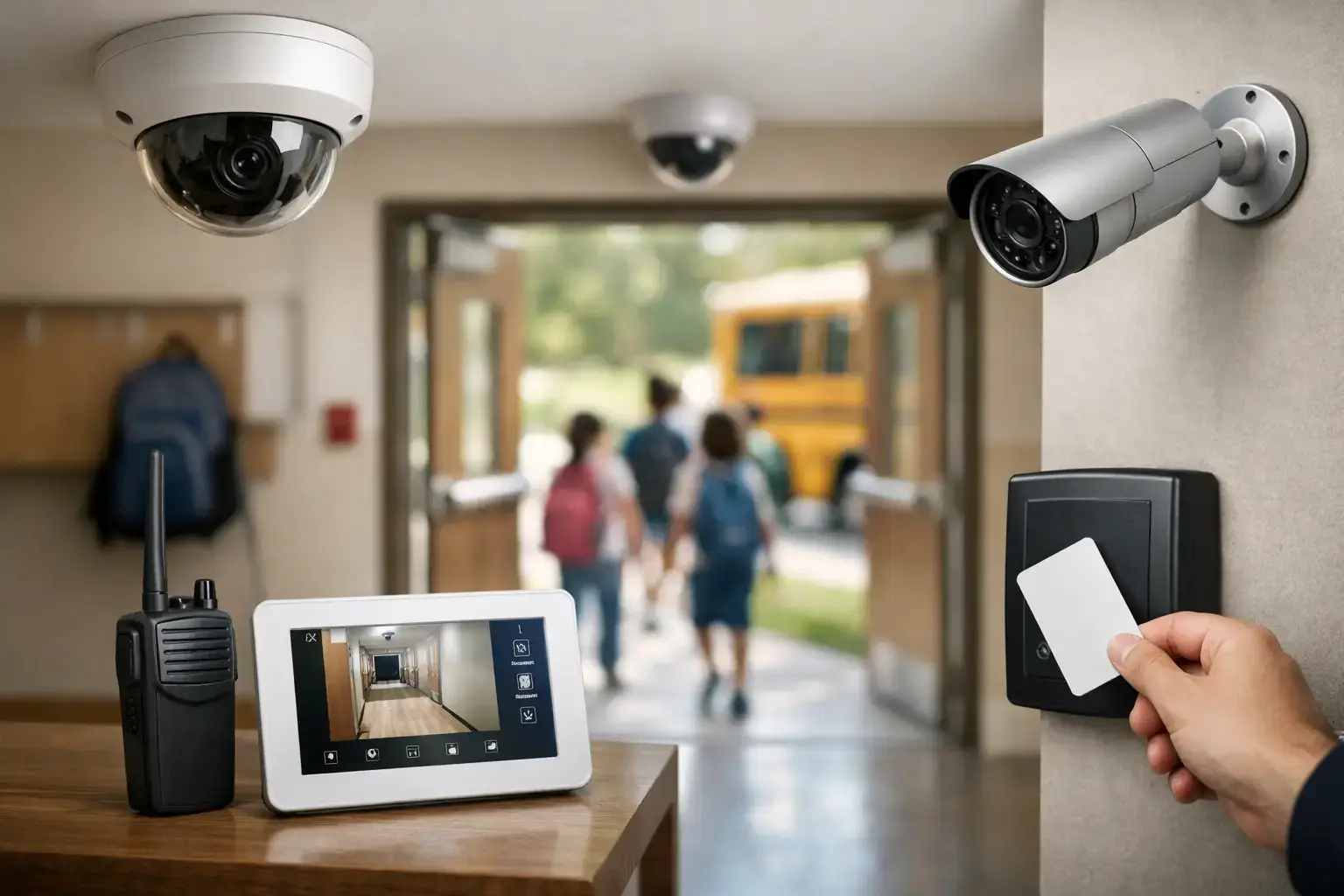
A small retail unit with eight to twelve cameras often needs more, especially if it covers entrances, tills, stock areas and external approaches for 30 days. The same applies to offices, schools and warehouses where multiple cameras operate during long opening hours and footage may need to be reviewed after an internal report.
Larger commercial sites can require substantial storage very quickly. Multi-building premises, healthcare settings, hospitality venues and industrial facilities may need network video recorders with larger hard drive arrays, longer retention strategies or cloud-supported options for selected footage. In those environments, storage planning should be part of the full system design, not an afterthought.
Local recording, cloud storage or a mix?
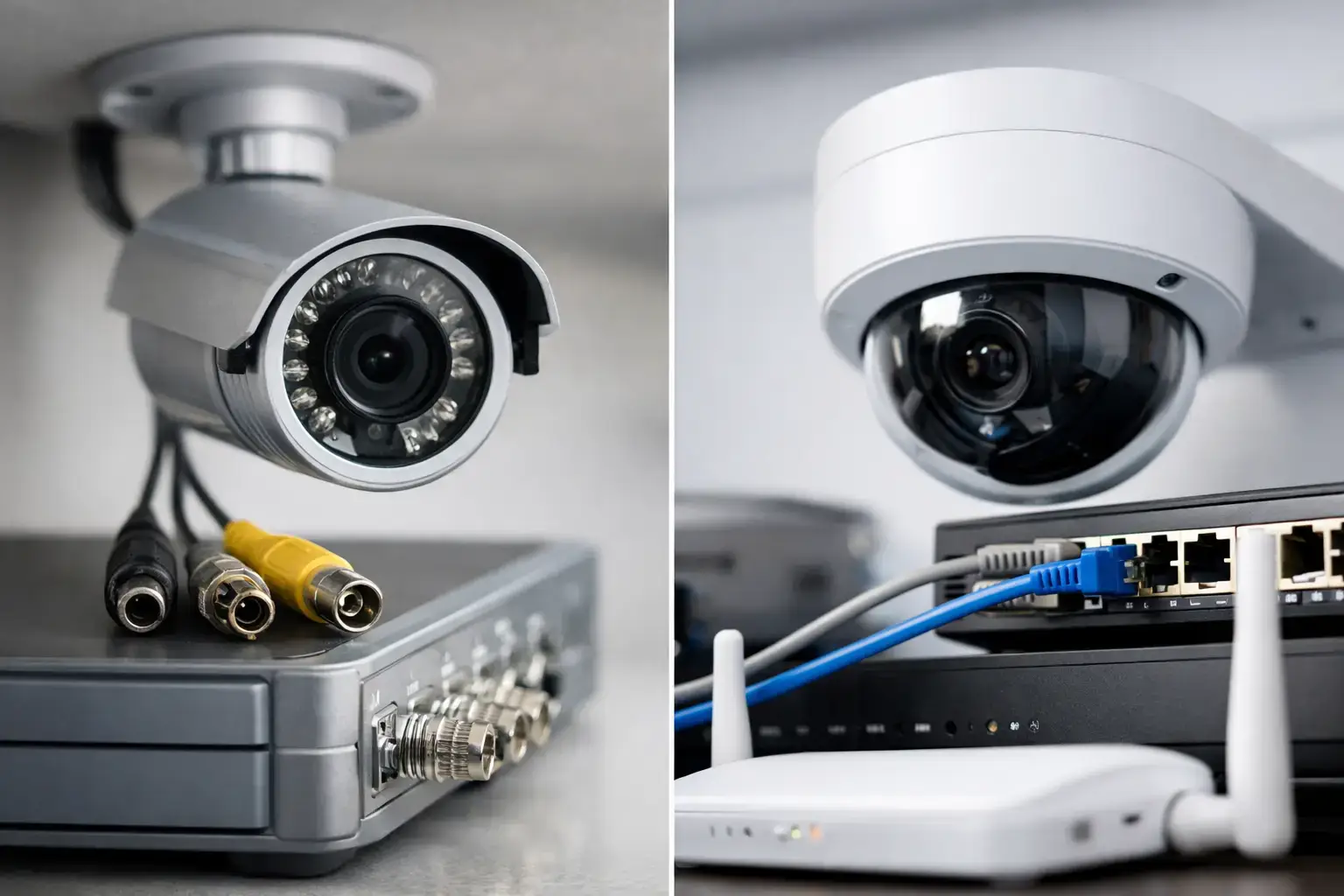
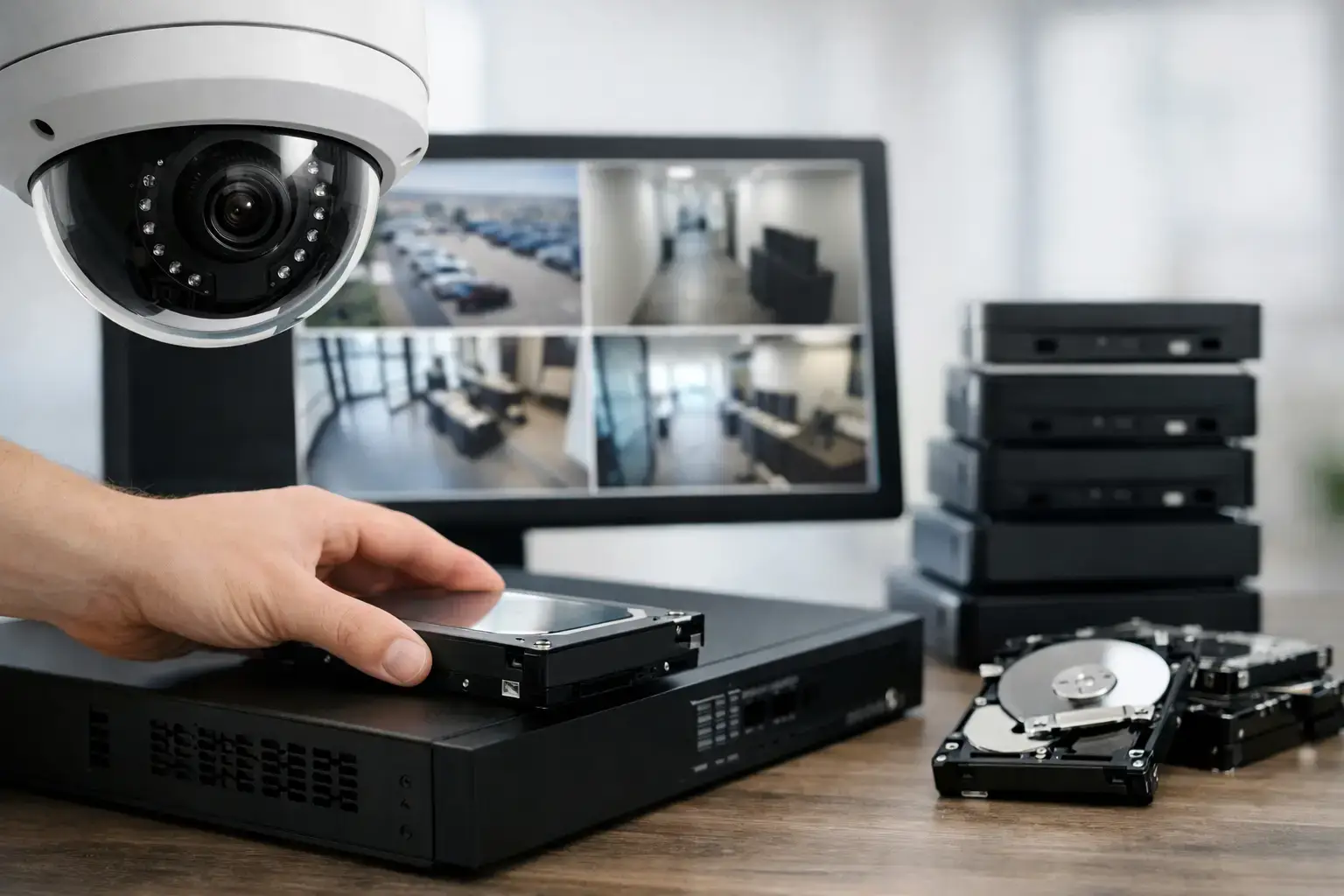
Most professionally installed systems still rely heavily on local recording through an NVR or DVR because it gives dependable control over quality, retention and playback. It is often the most practical option for sites with multiple cameras and longer recording periods.
Cloud storage can be useful, particularly for remote access, off-site backup or event-based recording. However, full cloud recording for a larger CCTV estate can become expensive and may depend heavily on upload speeds and network stability. For many commercial clients, a mixed solution is more sensible: local primary recording with cloud support for alerts, critical clips or redundancy.
This is another area where cheap off-the-shelf systems often disappoint. Advertised storage options can look generous until ongoing subscription costs, reduced quality or limited retention become clear.
Common mistakes when sizing CCTV storage
The most common mistake is buying storage based on camera count alone. Two eight-camera systems can have very different storage needs depending on image settings, activity levels and recording rules.
The second mistake is underestimating future expansion. If you may add cameras later for a side gate, car park, outbuilding or second office area, storage should allow for it. Replacing equipment too soon is avoidable when the system is planned properly from the start.
The third is setting quality too low to stretch retention. A long archive is of limited value if the footage is too poor to identify a person or support an investigation. Retention matters, but usable evidence matters more.
Finally, many people overlook maintenance. Hard drives have a working life. A CCTV system that records continuously needs health checks, proper configuration and periodic review to make sure footage is being stored as intended.
The best way to get the answer right
If you need a reliable answer to how much CCTV storage do you really need, start with three questions. What must the cameras capture clearly? How long do you need to keep it? Which areas matter most if an incident occurs?
From there, the storage requirement becomes much easier to define. A professional survey can map camera purpose, expected activity, recording method and retention policy into a system that is properly sized for the property. That is far more dependable than choosing a recorder on guesswork and hoping it lasts long enough.
At 247 CCTV, we see this regularly across homes, shops, schools, offices, warehouses and construction sites. The right storage plan is not the largest one available. It is the one that gives you clear, accessible footage for the period you genuinely need, without compromising the rest of the system.
If you are reviewing a new installation or upgrading an older recorder, it helps to think beyond hard drive size and focus on evidence, risk and day-to-day operation. Storage is there to support the job your CCTV is meant to do. When it is sized properly, you stop worrying about how long the footage will last and start trusting that the system will be ready when you need it most.