
Security in commercial properties across Essex often relies on assumptions about technology rather than clear facts. Many facilities managers believe that digital IP cameras guarantee both safety and compliance simply by being more advanced than analogue systems. Yet, modern IP cameras contain wireless vulnerabilities that can expose video feeds to remote interception, challenging these beliefs. Understanding the difference between perception and reality helps you choose and manage camera systems that actually serve your property’s unique security needs.
Key Takeaways
| Point | Details |
|---|---|
| Understanding IP Cameras | IP cameras utilise digital transmission, offering enhanced flexibility but requiring robust security measures and regular updates. |
| Selection of Camera Types | Choose camera types based on specific monitoring needs, integrating multiple types for optimal coverage and effectiveness. |
| Legal Compliance | Compliance with data protection regulations is crucial; ensure transparent practices and clear policies on data retention. |
| Avoiding Installation Pitfalls | Conduct thorough planning and staff training to mitigate risks associated with improper placements and unsecured networks. |
Defining IP Cameras and Common Misconceptions
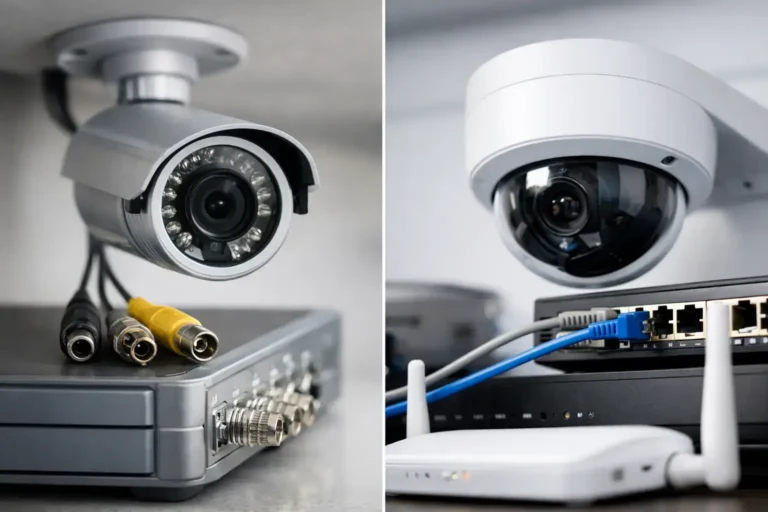
Internet Protocol cameras, or IP cameras, are digital security devices that transmit video footage over a network rather than through traditional coaxial cables. Unlike older analogue systems, IP cameras connect directly to your facility’s network infrastructure, allowing you to access live feeds and recordings from any location with internet access. For facilities managers in Essex managing commercial properties, this flexibility offers genuine advantages, though it also introduces misconceptions that deserve clearing up.
One persistent myth is that IP cameras are automatically more secure simply because they use digital transmission. The reality is more complex. Research shows that modern IP cameras contain wireless vulnerabilities that can expose video feeds to remote interception, contradicting assumptions about digital security. This means relying solely on network encryption isn’t sufficient. Your cameras require robust physical security protocols, regular firmware updates, and proper network segmentation to function safely. Another common misconception centres on what IP cameras actually achieve. Many property administrators assume that visible cameras automatically deter criminals and reduce incidents. However, empirical research reveals mixed results regarding crime reduction, highlighting that surveillance effectiveness depends heavily on how systems are deployed, monitored, and integrated with your broader security strategy rather than their mere presence.
IP cameras do offer legitimate benefits when properly implemented. They provide higher resolution footage than analogue systems, allow flexible camera placement without long cable runs, and enable integration with modern access control and burglar alarm systems. Understanding what these systems actually deliver, rather than what marketing claims suggest, helps you make informed decisions about your facility’s security infrastructure. The key is viewing IP cameras as one component within a comprehensive security approach, not as a standalone solution.
Professional tip When selecting IP cameras, prioritise models with strong encryption standards and ensure your network infrastructure includes separate VLAN segmentation to isolate camera traffic from critical business systems.
Types of IP Cameras for Commercial Use
Commercial properties in Essex require different camera types depending on what you’re trying to protect and monitor. Fixed cameras remain the most common choice for facilities managers overseeing retail spaces, office buildings, or warehouses. These stationary devices focus on specific areas like entrance points, cash desks, or loading bays where consistent coverage matters most. They’re cost-effective and reliable, though they can’t track movement across wider spaces. Pan-tilt-zoom cameras offer greater flexibility by allowing operators to adjust viewing angles remotely, follow activity in real-time, and zoom in on specific details. This makes them ideal for larger commercial areas where staff numbers don’t justify constant on-site monitoring.
Dome cameras represent another popular option for commercial installations. Their compact design fits neatly into ceilings or walls, which many property administrators prefer for aesthetic reasons. Dome cameras also make it harder for visitors or potential intruders to determine where the camera is pointing. Beyond these standard types, thermal imaging cameras and automatic number plate recognition systems serve specialised monitoring purposes in commercial settings. Thermal cameras detect heat signatures rather than visible light, making them invaluable for perimeter security or detecting unauthorised access during night hours. Automatic number plate recognition works brilliantly if your facility needs to track vehicles entering or leaving the property, such as multi-storey car parks or secure compounds.
Your choice depends entirely on what you’re protecting and how you want to monitor it. A retail environment might benefit from fixed cameras covering the sales floor combined with dome cameras in stockrooms. A commercial campus could use PTZ cameras for perimeter monitoring alongside fixed cameras at gates and entrances. Many facilities managers find success combining multiple camera types rather than relying on a single solution. When planning your IP camera deployment, consider where staff will monitor footage, how quickly they need to respond to incidents, and whether you’re satisfying compliance requirements for your industry or location.
Professional tip Integrate your chosen IP camera types with your burglar alarm system so that alarm triggers automatically activate recording and can prompt camera movements to capture critical evidence.
To clarify the differences and practical uses of common IP camera types, see the comparative summary below:
| Camera Type | Typical Use Case | Monitoring Advantage | Installation Consideration |
|---|---|---|---|
| Fixed | Entrances, cash desks | Consistent coverage of key areas | Predictable field of view |
| Pan-Tilt-Zoom | Perimeter, large spaces | Flexible tracking, remote control | Requires trained operators |
| Dome | Stockrooms, retail floors | Discreet monitoring, hard to redirect | Blends with interiors, wide angle |
| Thermal | Outdoor, night security | Detects movement in darkness | Higher cost, specialised deployment |
| ANPR | Vehicle access points | Automated number plate recording | Needs integration with access system |
How IP Cameras Operate and Key Features
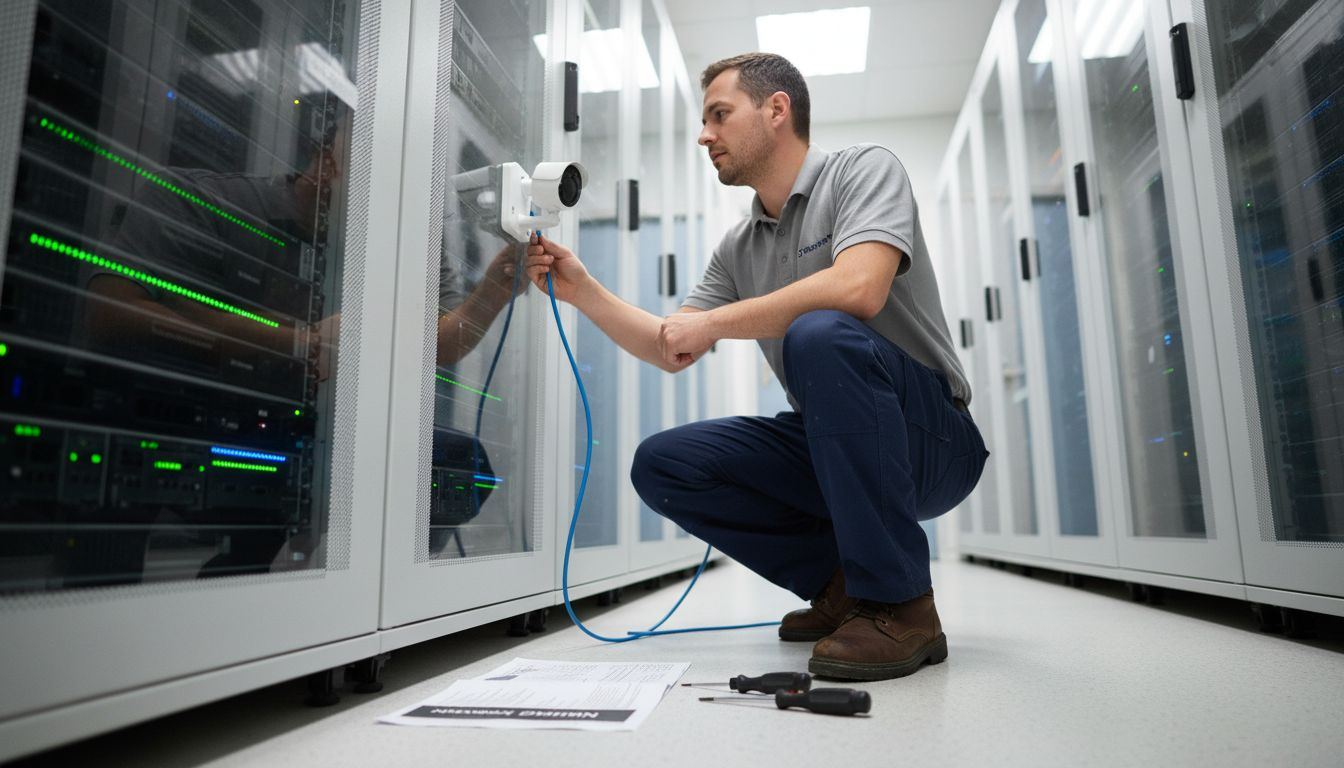
IP cameras work fundamentally differently from traditional analogue systems. When a camera detects movement or activity, it converts the visual information into digital data and transmits this across your facility’s network infrastructure to a central recording server or cloud storage system. This digital transmission means you can access live footage and recordings from your office, home, or anywhere with internet access, giving facilities managers genuine flexibility in monitoring commercial properties across Essex. The camera itself contains a processor, sensor, and network connection that work together to capture, compress, and send video data continuously or on demand.
Key operational features make IP cameras valuable for commercial security. Motion detection capabilities allow cameras to trigger alerts when activity occurs in monitored areas, reducing the volume of footage you need to review manually. Night vision using infrared technology enables monitoring in low-light conditions without requiring additional lighting. Most IP cameras offer high-resolution imaging, typically 1080p or higher, which means you can zoom in on footage and still see fine details when investigating incidents. Integration with alarm systems is another critical feature, allowing your burglar alarm to trigger camera recording automatically or alert you immediately when unauthorised access is detected.
Data protection represents another essential operational consideration. IP cameras process video surveillance as personal data, which means your installation must incorporate features protecting that data from unauthorised access. This includes secure storage, proper access controls limiting who can view footage, and clear retention policies defining how long recordings remain stored before deletion. If your facility uses advanced features like facial recognition or vehicle tracking, additional legal considerations apply. Remote access is convenient, but it introduces security vulnerabilities if not properly managed through strong passwords, encryption, and regular firmware updates.
Professional tip Configure your IP cameras to store footage locally on network-attached storage while also backing up critical recordings to cloud storage, ensuring you retain evidence even if local systems are compromised during a security incident.
Integration With CCTV and Access Systems
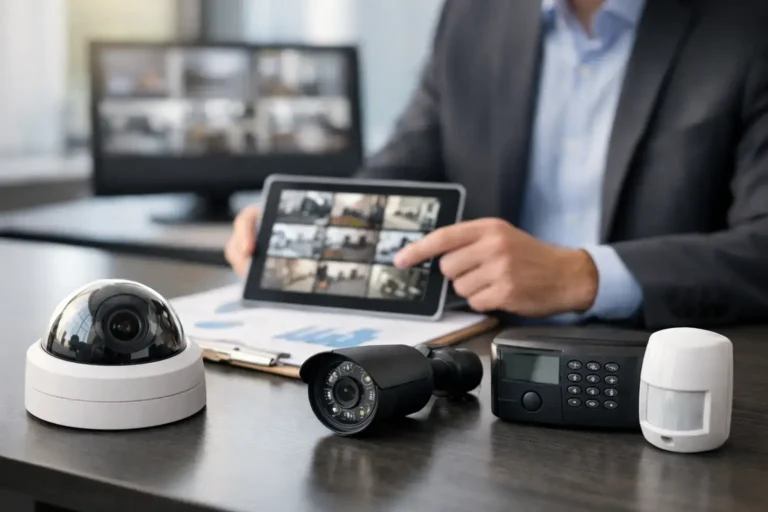
Modern commercial security demands more than standalone solutions. When you integrate IP cameras with access control systems and burglar alarms, you create a unified security infrastructure that responds intelligently to threats. The real power emerges when these systems communicate with each other. If someone attempts unauthorised entry and triggers your burglar alarm, the system can simultaneously activate camera recording, lock down access points, and alert your staff. This coordinated response happens in seconds, whereas disconnected systems might take minutes to react. For facilities managers managing multiple buildings or large campuses across Essex, this integration transforms security from reactive to proactive.
Integration requires careful system design and planning. Risk assessment and system architecture determine how effectively your IP cameras work alongside access control and alarm systems. Modern burglar alarm platforms like RISCO LightSYS+ and Texecom Premier Elite include native integration points allowing seamless communication with IP camera systems. Hikvision AX Pro similarly offers integration capabilities for comprehensive monitoring. When properly configured, your access system knows exactly which doors have been accessed and by whom, while your cameras capture visual confirmation of that access. Your burglar alarm system triggers cameras to focus on specific areas when motion is detected or alarms are activated. This layered approach means you have both visual evidence and access logs, providing complete incident documentation for investigations or compliance purposes.
Data protection sits at the centre of integrated systems. IP cameras operating within integrated security platforms must comply with data protection regulations including transparency requirements and clear data governance policies. Your integrated system needs robust user authentication so only authorised staff can access camera feeds and alarm logs. Communication between systems must use encryption to prevent interception. Documentation must clearly explain how all components work together, who can access what information, and how long data is retained. This transparency builds trust with employees and visitors whilst meeting your legal obligations.
Professional tip When integrating burglar alarms with IP cameras, configure the system to capture 10 seconds of video before the alarm trigger occurs, as this context often reveals what actually caused the alert rather than just the moment it happened.
Legal Compliance and Privacy Responsibilities
Installing IP cameras in your commercial property isn’t simply a technical decision. It’s a legal one. The moment your cameras capture identifiable individuals, you’re processing personal data under UK law, which means compliance with the Data Protection Act 2018 and UK GDPR becomes mandatory. Many facilities managers focus exclusively on the security benefits whilst overlooking the regulatory framework that governs how footage must be handled, stored, and ultimately deleted. Getting this wrong doesn’t just expose your organisation to enforcement action from the Information Commissioner’s Office, it can damage trust with employees and visitors who may feel their privacy has been violated.
The legal framework for IP camera usage requires lawful processing, transparency, purpose limitation, data minimisation, and security measures. This means you must clearly define why you’re installing cameras, limit their coverage to areas where monitoring is genuinely necessary, and implement robust security preventing unauthorised access to recorded footage. Purpose limitation is critical. You cannot install cameras ostensibly for security and then repurpose that footage for disciplinary investigations without clear justification. Data minimisation means you shouldn’t record areas where people have reasonable privacy expectations, such as toilets or changing areas. Your retention policy must specify exactly how long footage remains stored before automatic deletion. Many organisations wrongly assume keeping footage indefinitely strengthens their position, when in fact indefinite retention violates data protection principles and increases your liability if breaches occur.
Practical compliance requirements demand specific actions from your organisation. The Information Commissioner’s Office requires operators to register appropriately, display clear signage informing individuals they are being monitored, control who accesses footage, and respond to data subject rights requests. Signage isn’t optional or decorative. People must be able to see clear, legible notices explaining that recording is taking place, why it’s necessary, and who controls the footage. Access to footage must be restricted to authorised personnel only, with audit trails recording who viewed what and when. If individuals request access to footage containing them, you must respond within 30 days. If they request erasure and you have no legitimate reason to retain the footage, you must delete it. Implementing these systems takes planning and documentation, but it transforms compliance from a burdensome obligation into standard operational practice.
Professional tip Maintain a written data protection impact assessment documenting why each camera is necessary, what personal data it captures, your retention period, and who has access, then review this annually as your business requirements change.
For facilities managers, understanding legal duties is essential. The table below outlines critical compliance requirements for IP camera installations:
| Compliance Requirement | Description | Business Impact |
|---|---|---|
| Lawful Processing | Define and justify surveillance purpose | Reduces risk of enforcement action |
| Transparency | Display clear signage about monitoring | Builds trust with staff and visitors |
| Access Controls | Limit footage access to authorised personnel | Protects against internal misuse |
| Data Retention Policy | Specify and enforce deletion timeframes | Mitigates liability for breaches |
| Subject Rights Management | Respond promptly to access/erasure requests | Avoids fines, maintains reputation |
Common Pitfalls and Installation Risks
Many facilities managers discover installation problems only after their IP camera system is compromised or causing compliance violations. The most widespread pitfall involves deploying cameras on standard office networks without proper security segmentation. Your IP cameras transmit video data continuously, consuming bandwidth and creating security vulnerabilities if they sit on the same network as sensitive business systems. Attackers can intercept footage, modify recordings, or use unsecured cameras as entry points to access your broader network infrastructure. Another critical mistake occurs when cameras are positioned without considering privacy implications. Installing cameras in areas where employees have reasonable privacy expectations, such as break rooms or near toilets, violates data protection principles and creates serious legal exposure. Poor placement also produces unusable footage. Cameras angled incorrectly or obstructed by fixtures capture video you cannot actually use for security purposes, wasting investment and providing false confidence in your security posture.
Insecure network configurations, poor camera placement, and insufficient user training represent the primary installation risks that compromise system effectiveness and create compliance problems. Training gaps mean staff may access footage inappropriately, share recordings without authorisation, or fail to report security concerns. Technical vulnerabilities emerge when default passwords remain unchanged, firmware updates are skipped, or encryption is not enabled. These oversights seem minor until your system is breached. Cyberattacks and unauthorised data access undermine security effectiveness and damage organisational reputation, particularly when data protection standards are not rigorously observed during installation and ongoing operation.
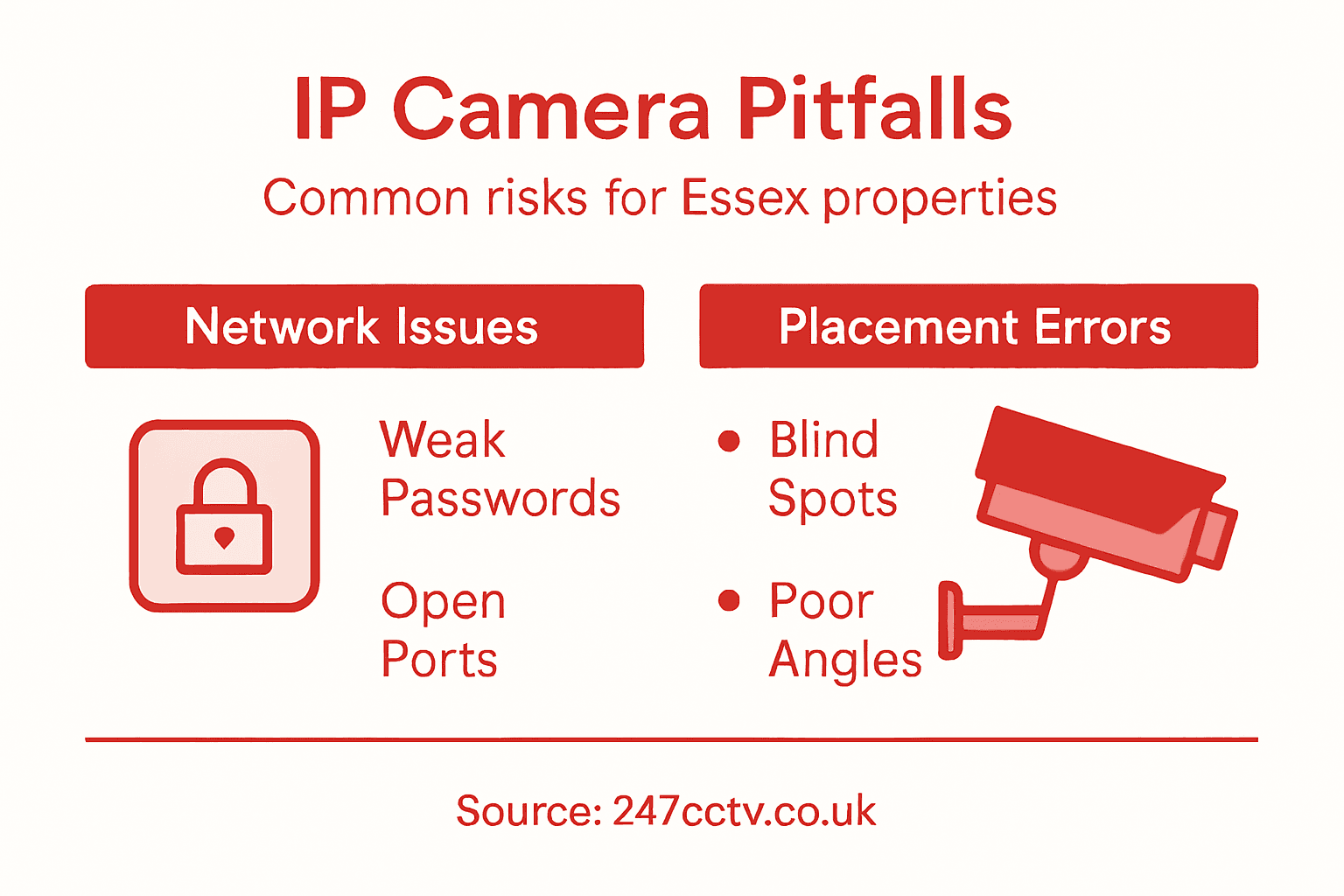
Preventing these pitfalls requires planning before installation begins. Commission a proper security audit determining which areas genuinely require monitoring and which create privacy concerns. Segment your network so cameras operate on isolated systems separate from business-critical infrastructure. Configure strong passwords, enable encryption, and establish a schedule for firmware updates. Most importantly, invest in comprehensive staff training explaining legal obligations, appropriate footage access, and incident reporting procedures. Your burglar alarm system, whether using RISCO LightSYS+, Texecom Premier Elite, or Hikvision AX Pro, integrates more effectively when staff understand both technical capabilities and legal responsibilities. Document your installation decisions, security configurations, and staff training activities. This documentation demonstrates due diligence if compliance questions arise later and provides reference material for ongoing system maintenance.
Professional tip Before any installation, conduct a data protection impact assessment identifying which specific areas require monitoring and obtaining written justification from management for each camera location, ensuring decisions survive later privacy scrutiny.
Secure Your Essex Property with Expert IP Camera Solutions
Managing security in commercial properties across Essex presents clear challenges such as protecting against vulnerabilities in IP camera networks and ensuring full compliance with legal obligations. As highlighted, issues like network segmentation, data protection, and system integration are critical for effective, secure surveillance. With concerns over unauthorised access, privacy, and system reliability, facilities managers need a trusted partner to guide them through these complexities.
247cctv.co.uk specialises in installing state-of-the-art CCTV systems, burglar alarms, and access control solutions perfectly tailored to meet these exact challenges. From robust network architecture that isolates your IP cameras to comprehensive data protection impact assessments, we ensure your security infrastructure not only deters threats but also respects legal requirements. Our expert team helps you integrate cameras with alarm systems to provide rapid incident response and real-time visual verification.
Enhance your security setup today with 247cctv.

Don’t leave your property vulnerable. Benefit now from professional advice and bespoke installations that protect your business and reassure your team. Contact us through 247cctv.co.uk to discuss your specific needs and receive a free security consultation tailored for Essex commercial properties.
Frequently Asked Questions
What is an IP camera?
IP cameras, or Internet Protocol cameras, are digital security devices that transmit video footage over a network, allowing for remote access to live feeds and recordings.
How do IP cameras enhance security compared to traditional CCTV systems?
IP cameras offer higher resolution footage, flexible installations without extensive cabling, and easier integration with modern security systems, making them more versatile than traditional CCTV systems.
What are some key features to consider when choosing an IP camera?
When selecting an IP camera, consider features such as motion detection capabilities, night vision, video resolution, integration options with alarms, and data protection measures to secure recorded footage.
How should IP cameras be integrated with other security systems?
IP cameras should be integrated with access control systems and burglar alarms to create a unified security infrastructure, enabling coordinated responses to security threats and ensuring comprehensive surveillance coverage.