A security system stops being truly useful the moment it can only be checked on site. If you manage a shop in Romford, a warehouse in East London, a school in Essex, or your own home while away, remote security app features are often the difference between reacting quickly and finding out too late.
That does not mean every app on the market is worth having. Some offer little more than a live camera view and a few push notifications. Others give you meaningful control over CCTV, alarm events, door access and user permissions, helping you manage risk properly rather than simply watch it happen.
Which remote security app features are genuinely useful?
The best apps support the way a property is actually run. For a homeowner, that may mean checking a front drive camera, receiving an alert when the alarm is unset, and confirming a family member has arrived safely. For a facilities manager or business owner, the requirement is usually broader – multiple sites, different users, audit trails, and the ability to verify an incident before calling keyholders or emergency services.
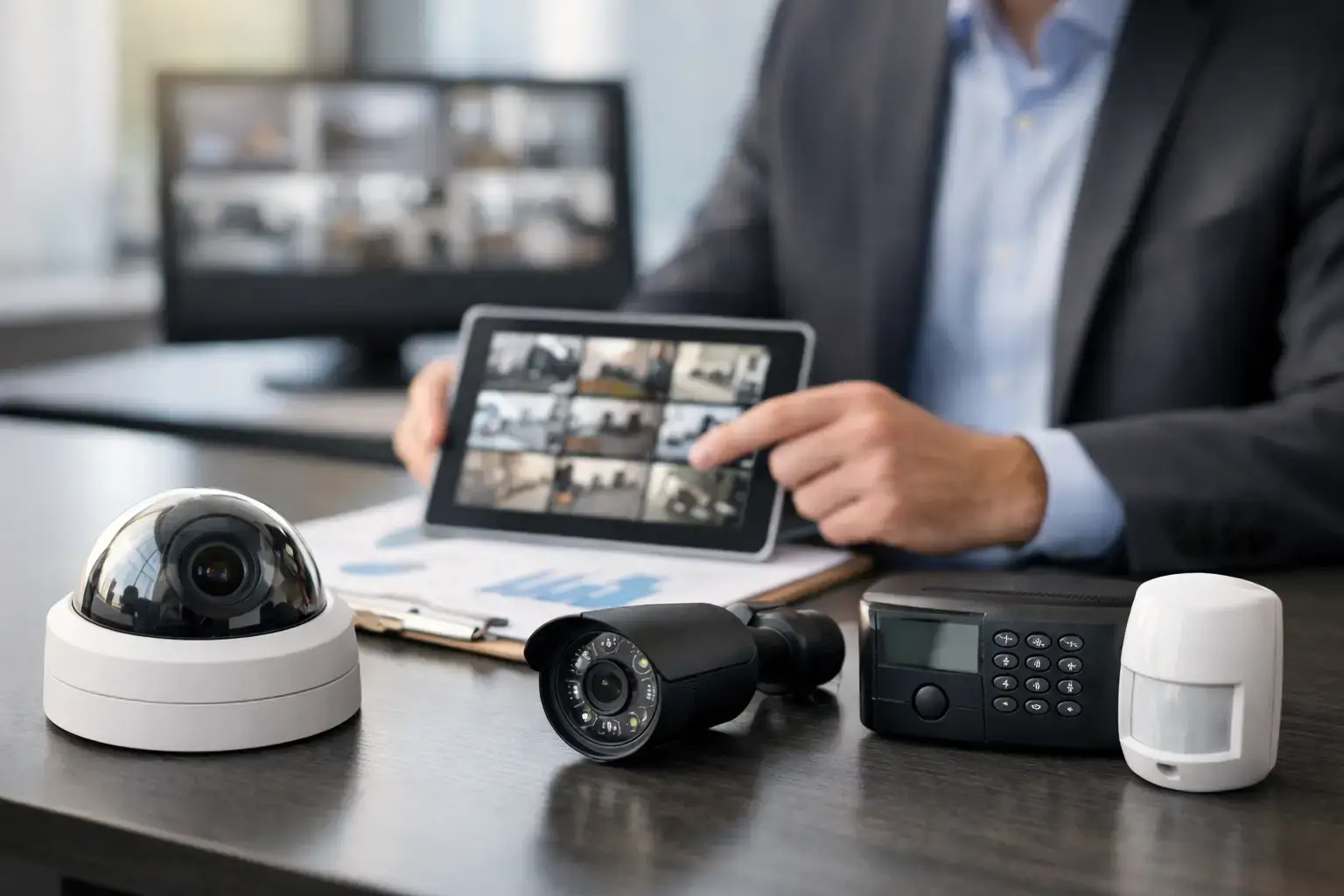
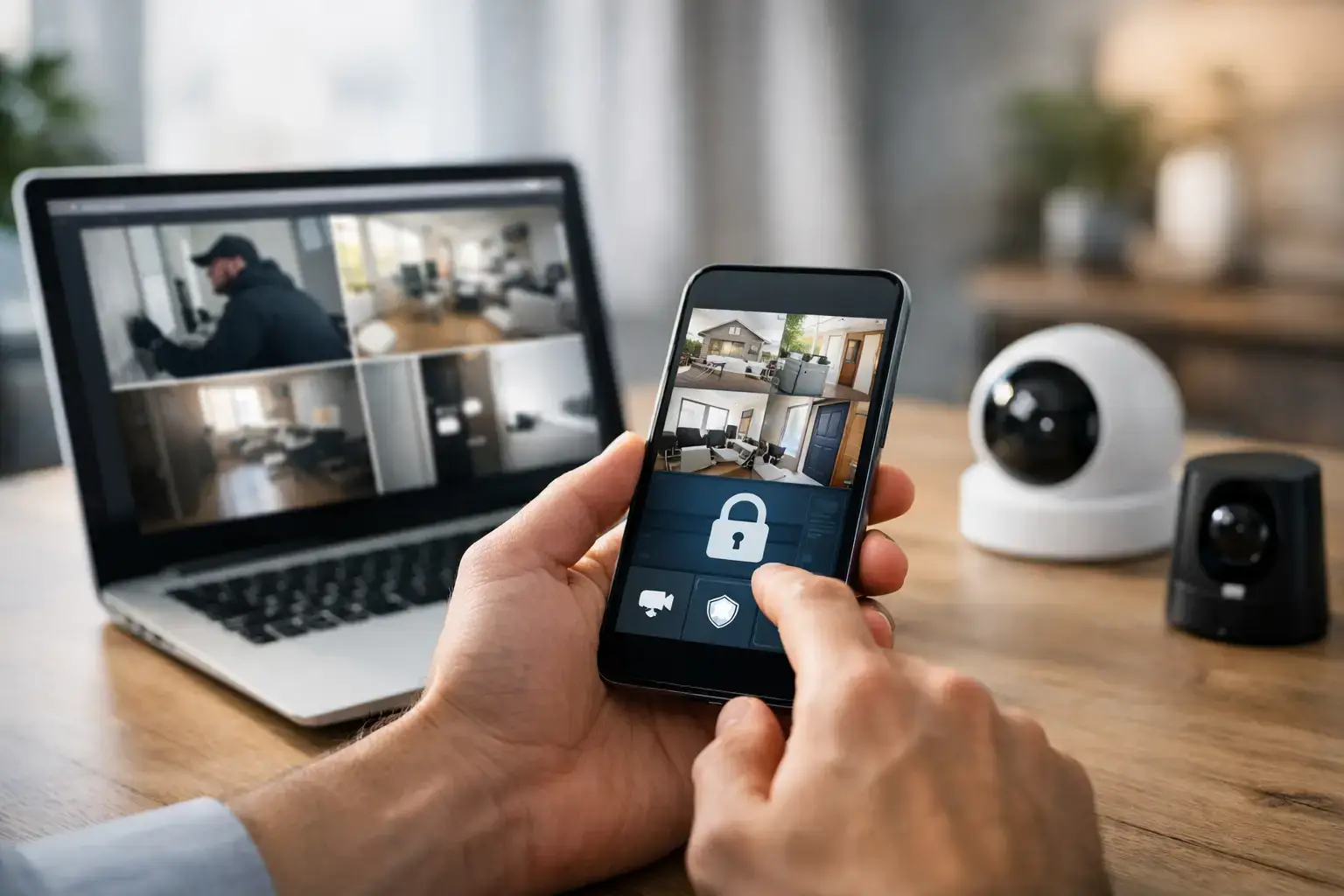
A live view is the obvious starting point, but on its own it is not enough. You need an app that allows quick access to relevant cameras, sensible image quality control, and reliable remote playback. If an incident happens at 2.15 am, you should be able to move from alert to recorded footage in seconds, not fight with buffering, poor camera labels or a clumsy menu structure.
Push notifications also need to be well judged. Too many vague alerts and users start ignoring them. Too few and the app stops serving any practical purpose. A good system lets you tailor alerts by event type, area, time period and user role, so the right people are informed without creating noise.
CCTV app features that help you act faster
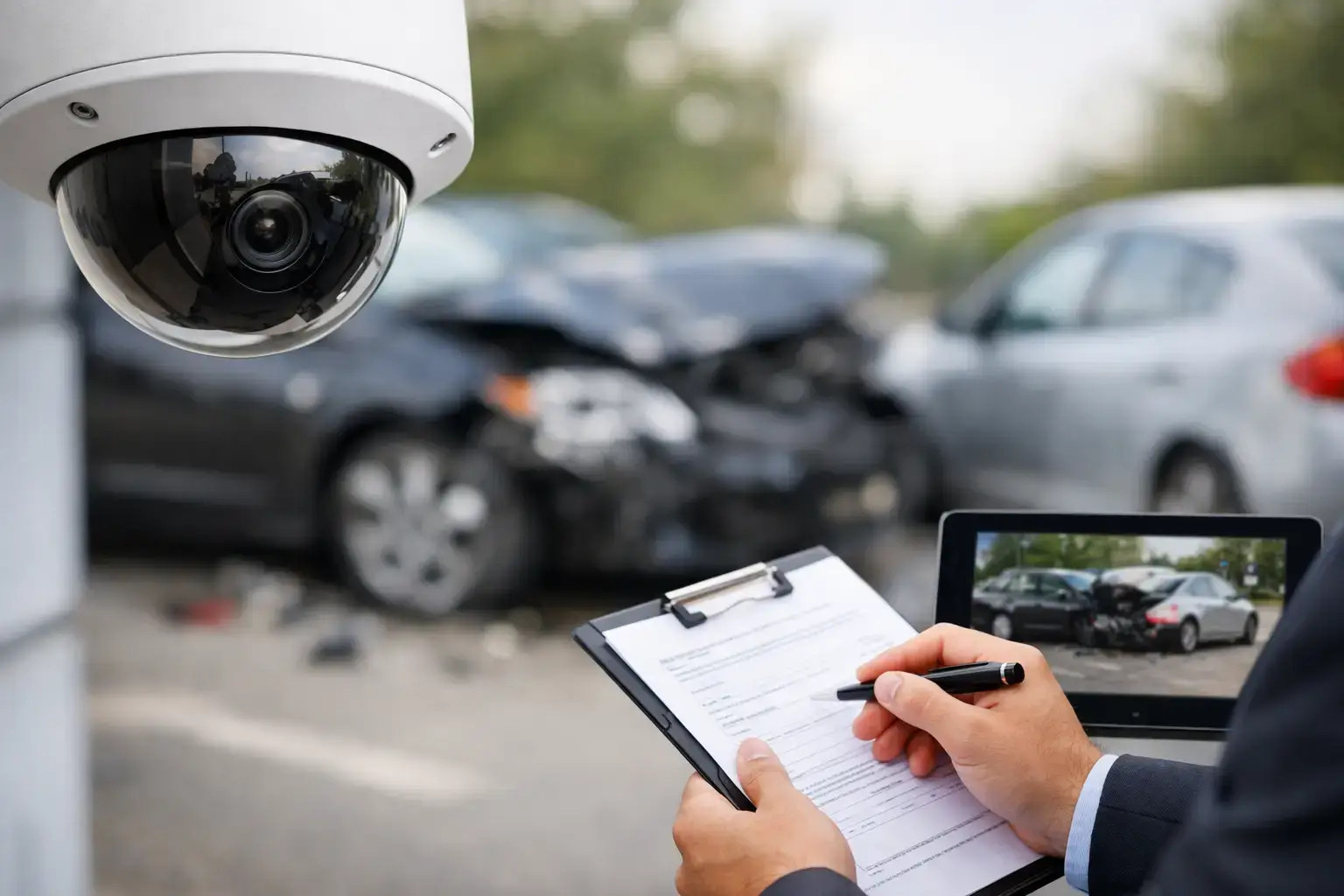
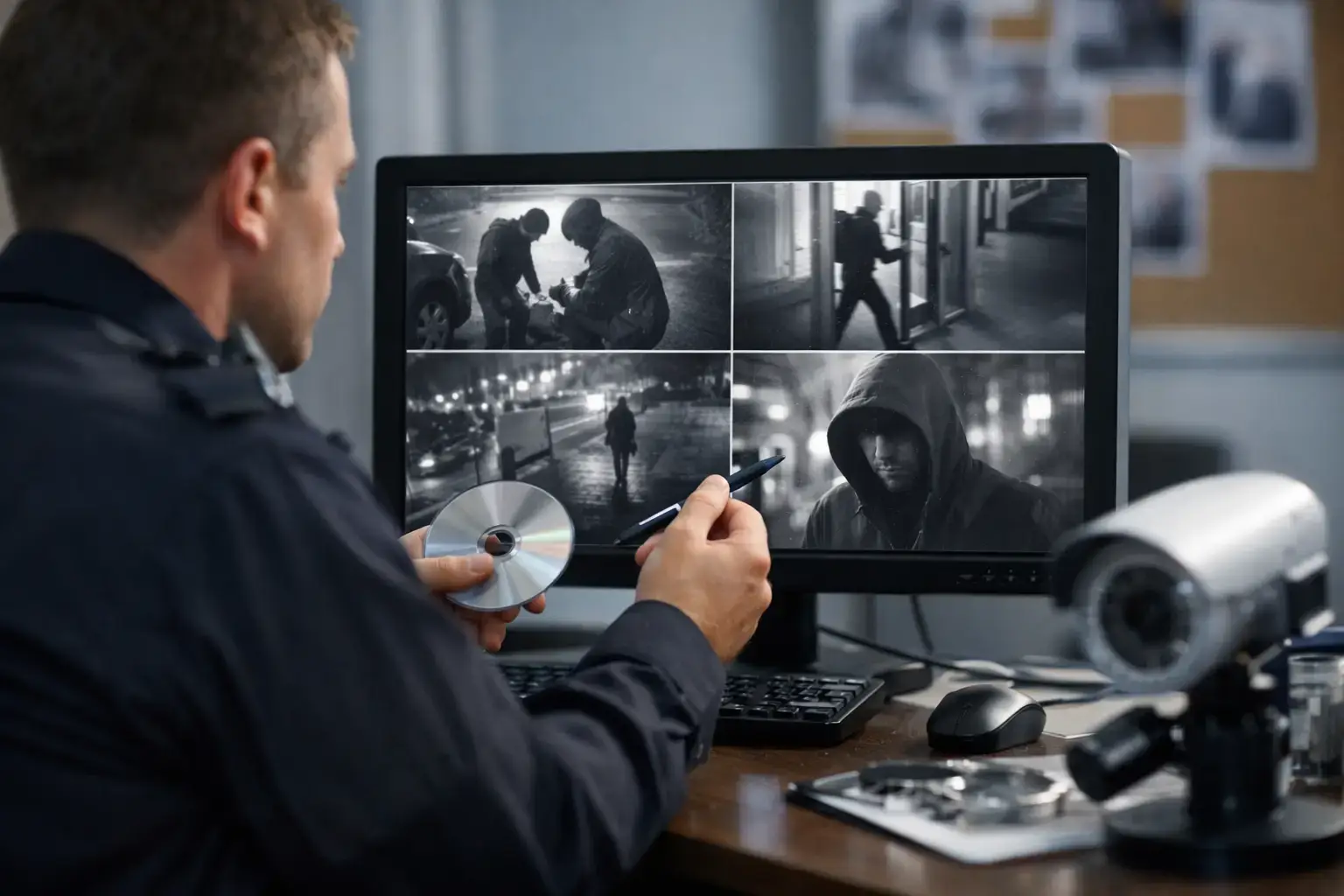
For remote CCTV management, image access is only one part of the picture. Search functions matter just as much. Being able to jump to motion events, line-crossing detections, or specific time windows can save a great deal of time, especially in commercial settings where incidents may need reviewing for staff safety, stock loss, delivery disputes or insurance evidence.
Analytic alerts are particularly useful when they are configured properly. Instead of notifying you every time rain moves across a yard camera or a cat crosses a driveway, better systems can focus on human movement, vehicles, perimeter crossing or activity in restricted zones. That reduces false alerts and makes the app more credible as a day-to-day security tool.
Some sites also benefit from camera grouping. A retail manager may want tills, entrances and stockroom cameras accessible in one view. A construction site may need separate groups for compound, plant area, welfare cabins and perimeter. It sounds simple, but good app structure has a direct impact on how quickly a user can make decisions during a live event.
Two-way audio can be useful as well, although it depends on the environment. At a home or small business entrance, it can help challenge callers or speak to delivery drivers. On a larger commercial or industrial site, it may be less practical unless paired with the right hardware and a clear process for who responds.
Alarm app control should be secure, not just convenient
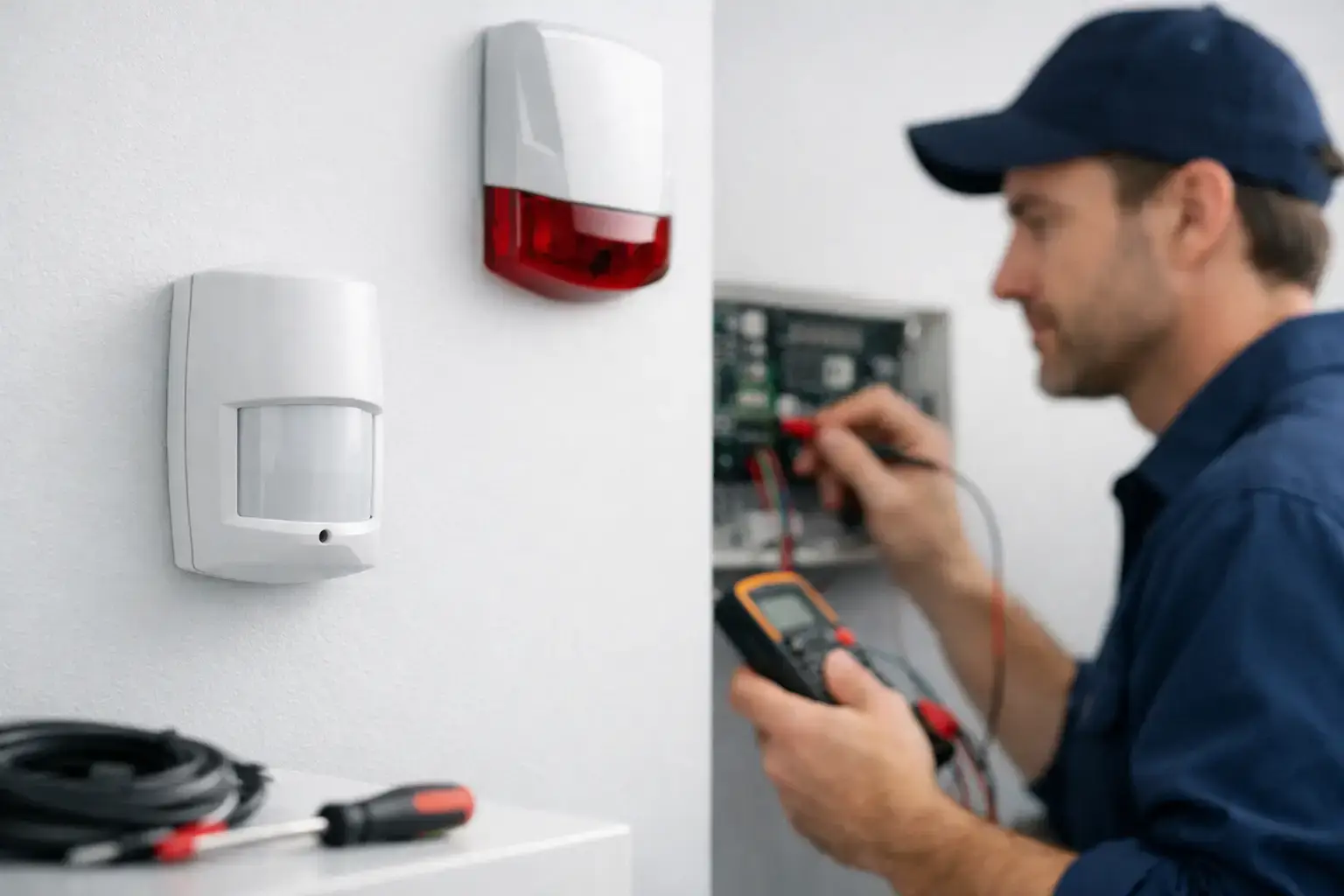
Remote setting and unsetting is one of the most requested app functions for intruder alarms, and for good reason. It helps when staff forget to set a system at closing time, when a cleaner needs access outside normal hours, or when a homeowner wants to check the status of the alarm after leaving in a hurry.
But convenience should never weaken control. The stronger apps support separate user permissions, event logs and confirmation of who changed the system status. In commercial premises, that accountability matters. If an alarm is unset at the wrong time, management needs to know whether it was an authorised action, user error or a sign that credentials have been shared too widely.
Detailed alarm notifications also make a difference. A message that simply says “alarm triggered” is not especially helpful. A better app will identify the area, the device, the time and the event type, allowing a more informed response. If it can be cross-checked with CCTV within the same workflow, even better.
There is a trade-off here. The more control an app offers, the more important proper configuration becomes. A badly structured user profile can hand out too much access, while poorly timed notifications can confuse keyholders. This is one reason professionally designed systems tend to outperform off-the-shelf setups over the long term.
Access control and remote door management
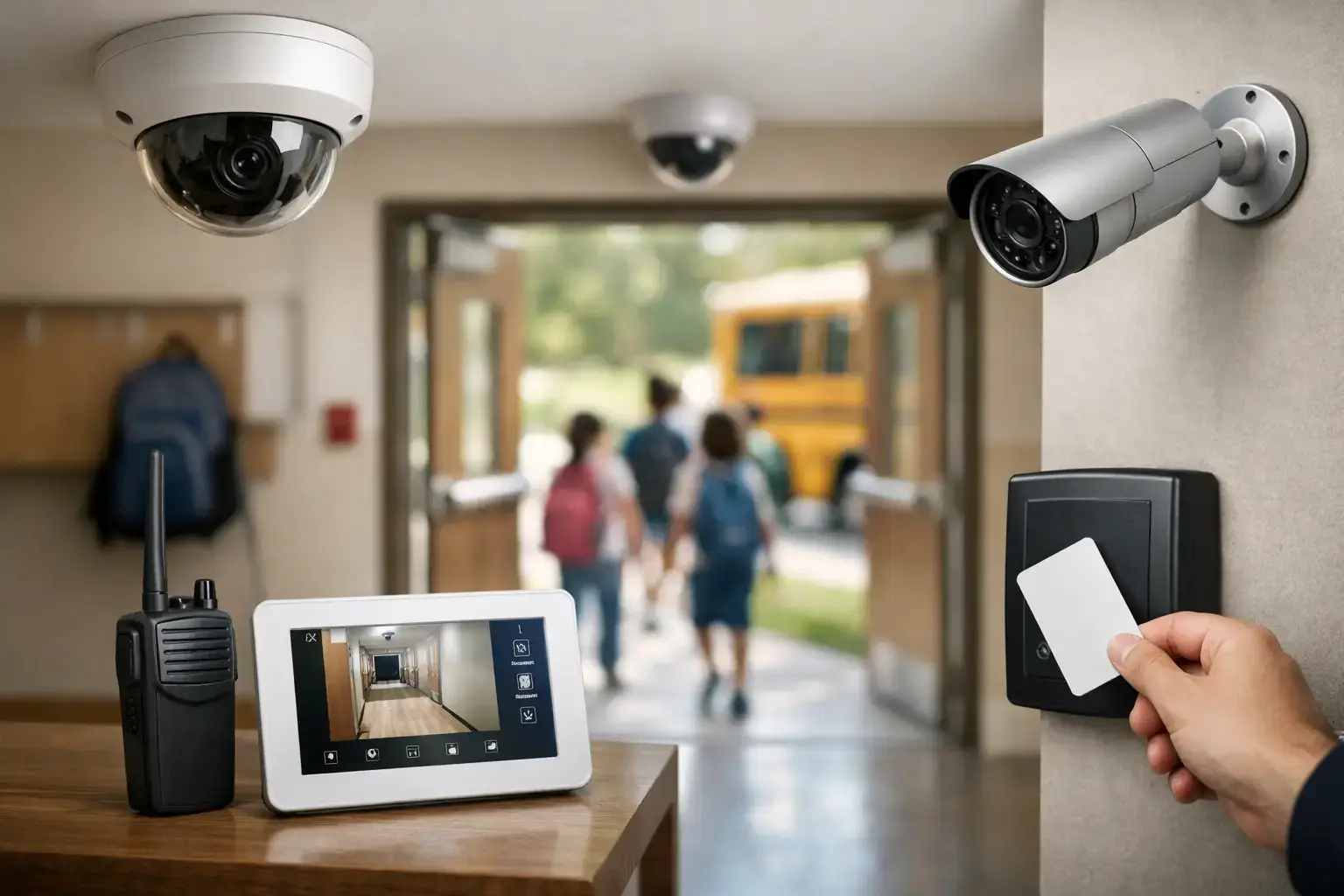
For many commercial properties, remote security app features are no longer limited to CCTV and alarms. Access control is increasingly part of the same conversation, especially in offices, schools, flat entrances, healthcare settings and mixed-use buildings.
The most useful app functions here include remote door release, user and credential management, event history and alerts for forced or held-open doors. These are practical operational tools, not just technical extras. A receptionist can grant access to a delivery without leaving the desk. A site manager can check whether a contractor arrived when expected. A facilities team can investigate repeated out-of-hours access attempts.
Again, permissions are critical. Not every user should be able to unlock every door. In many environments, remote access rights should be tightly limited and supported by clear audit trails. That protects both security and compliance.
Where systems are integrated well, the value increases. If a door is forced, the app should help the user move quickly from the access event to relevant camera footage and, where appropriate, alarm status. That joined-up view is far more useful than running three separate apps that do not communicate with each other.
Reliability matters more than clever extras
It is easy to be distracted by eye-catching app functions that sound impressive during a sales demonstration. In practice, the best remote features are the ones that work consistently under pressure.
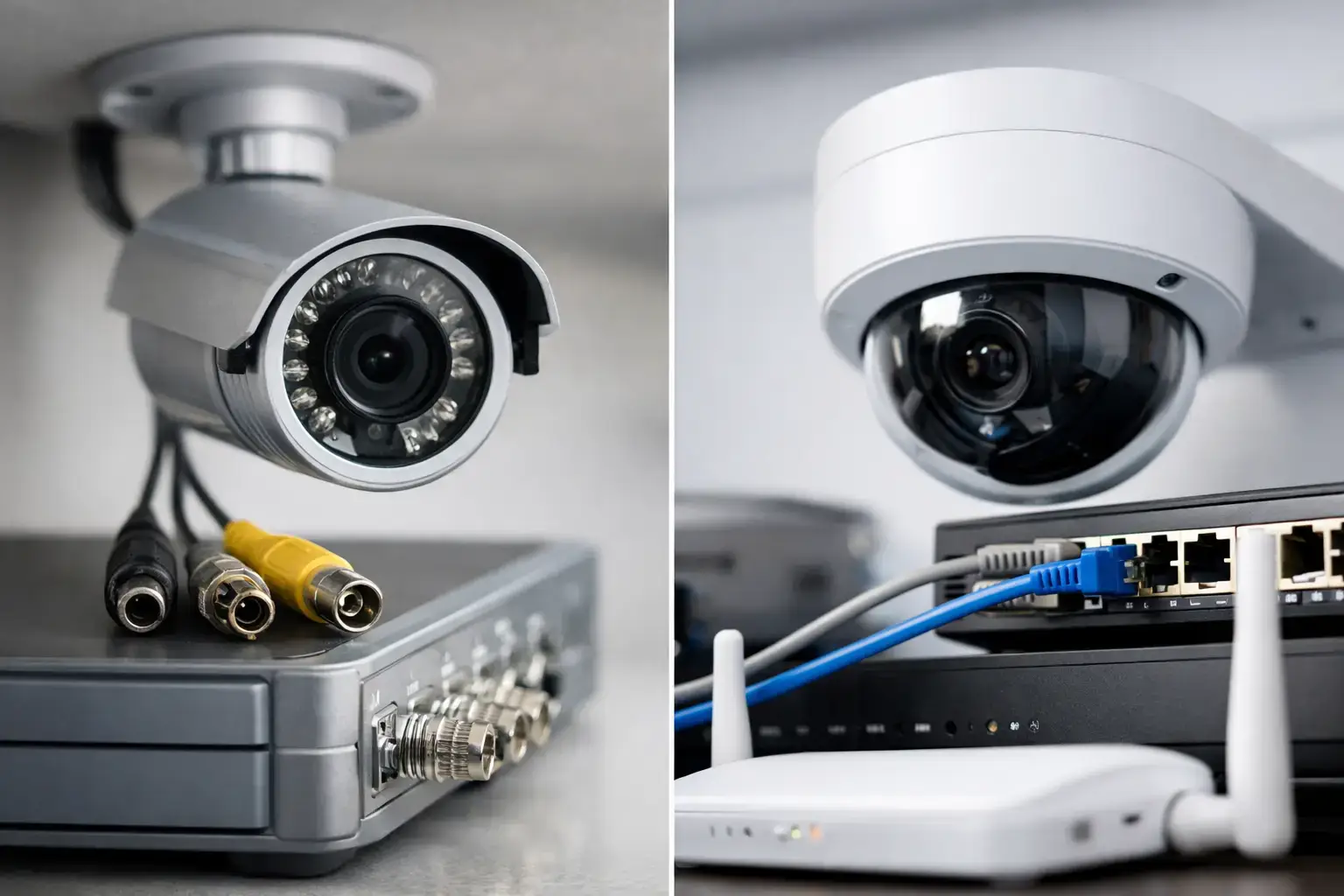
Login stability, fast loading times, sensible navigation and dependable notification delivery matter far more than gimmicks. If an app crashes during a genuine incident, or if alerts arrive ten minutes late, the feature list becomes irrelevant. This is why the quality of the underlying system, network setup and installation standard should never be separated from the app itself.
Cyber security also needs attention. Any remote access app should support strong passwords, encrypted connections and, ideally, multi-factor authentication where appropriate. For business users, device management and controlled user creation are equally important. A convenient app that is poorly secured can create a new risk rather than reduce one.
It is also worth thinking about who will support the system after installation. App updates, phone changes, broadband changes and user amendments are routine over the life of a security system. A professional installer such as 247 CCTV will usually treat the app as part of the wider service, making sure remote access remains usable, secure and aligned with the site’s operational needs.
Choosing app features for your property type
A homeowner usually needs clarity and reassurance. Straightforward live viewing, reliable alerts, alarm status checks and perhaps door entry control may be enough. Simplicity is often the right choice, provided the system remains secure and professionally configured.
A landlord or managing agent may place more value on event records, controlled user access and shared visibility across multiple entrances or communal areas. The app has to support oversight without becoming difficult for tenants or staff to use.
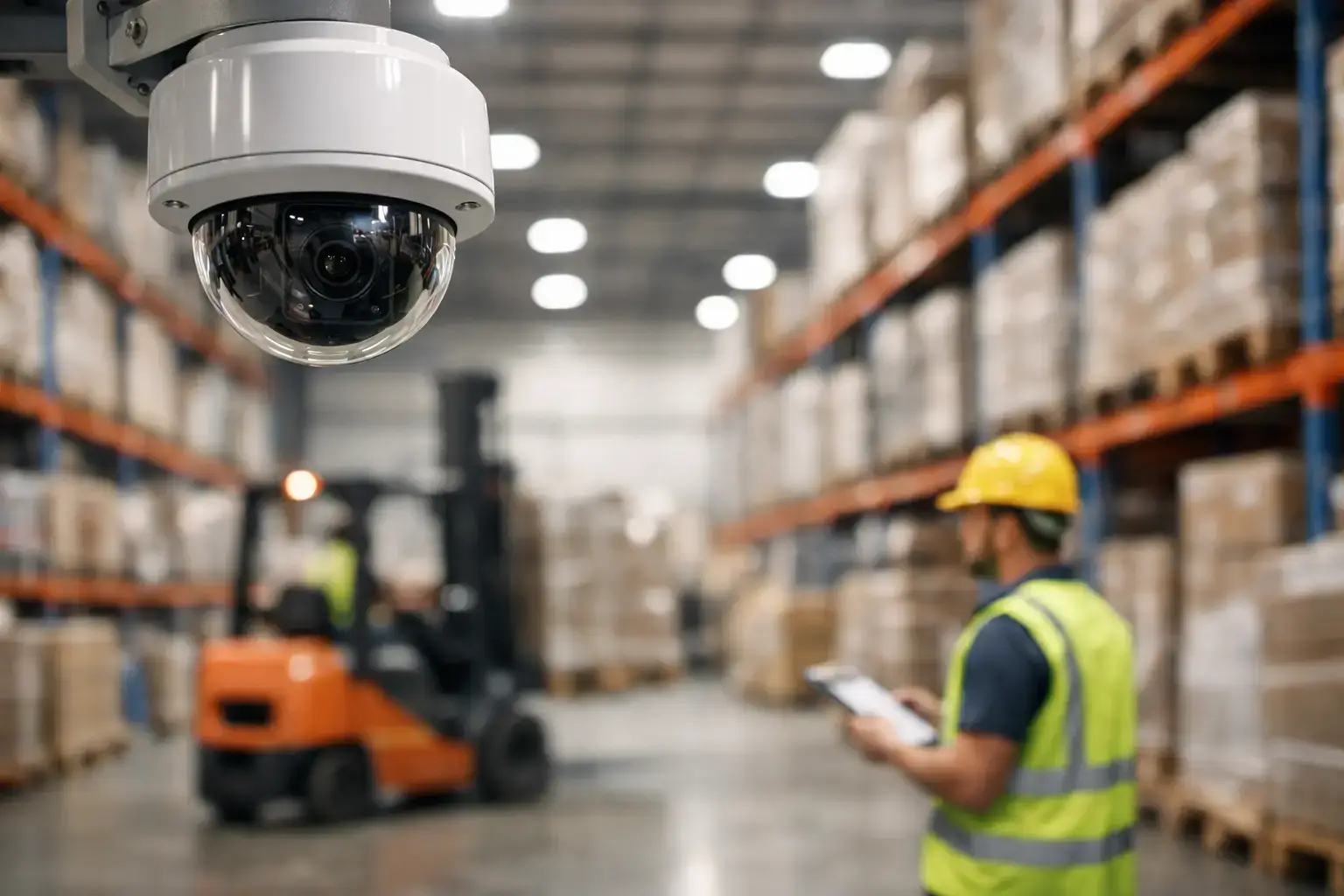
For commercial sites, the priorities often become more specific. Retailers may focus on stock loss, opening and closing procedures, and incident verification. Schools may need controlled access, safeguarding visibility and lockdown-aware management. Warehouses and industrial sites may be more concerned with perimeter alerts, out-of-hours activity and vehicle movement. Construction sites often need remote visibility over temporary compounds, plant security and alarm response outside staffed hours.
That is why there is no single perfect app feature list for every customer. The right setup depends on the risks, the number of users, the hours of operation and whether CCTV, alarms and access control are expected to work as one system.
When remote access is designed properly, it gives you more than convenience. It gives you faster verification, better accountability and more confidence that your security system will still be useful when you are not on site. If you are reviewing a new installation or upgrading an older one, focus less on flashy app claims and more on whether the features genuinely help you manage your property safely, quickly and with certainty.