Most British commercial buildings rely on robust CCTV and burglar alarm systems to maintain security, yet more than 40 percent of system faults stem from preventable issues like loose connections or dirty lenses. For facilities and property managers across Essex, protecting assets means staying ahead of these common breakdowns. Get practical troubleshooting steps that make your next security system check faster and more effective, helping you safeguard your building’s reputation and reduce downtime at every stage.
Quick Summary
| Key Point | Explanation |
|---|---|
| 1. Check Power Supply First | Always verify voltage levels and connections to ensure system functionality and prevent failures. |
| 2. Inspect Camera Lens Carefully | Clean the lens and adjust settings to maintain clear image quality and reliable monitoring. |
| 3. Test Recording Equipment | Ensure that recording devices are functioning properly to maintain continuous evidence capture. |
| 4. Verify Network Functionality | Regularly check network settings and remote access to ensure seamless operation of the security system. |
| 5. Conduct Live Monitoring Review | Perform systematic checks to validate operational status and identify any remaining issues post-repairs. |
Step 1: Prepare checks on power and connections
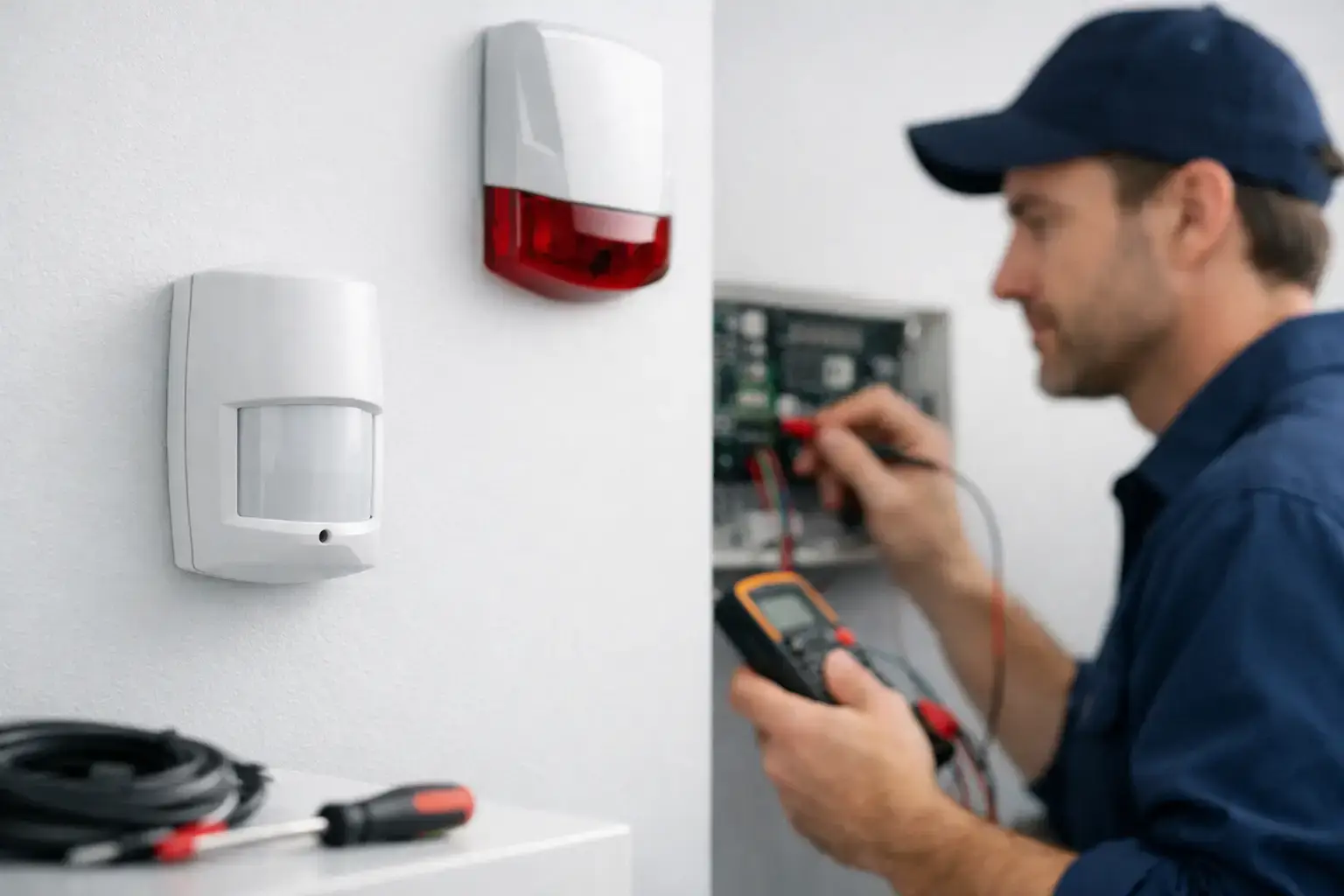
When troubleshooting burglar alarm systems like the Hikvision AX Pro or Texecom Premier Elite, your first critical task is methodically checking power connections and electrical continuity. A systematic approach will help you quickly identify potential issues preventing your security system from functioning correctly.
Start by inspecting the power supply unit (PSU) and verifying voltage levels. Confirm voltage at each system component using a reliable multimeter. For these sophisticated alarm systems, you are typically looking for stable 12V DC power input. Examine all cable connections carefully checking for any signs of wear corrosion or unexpected damage. Pay special attention to connector integrity ensuring they are clean secure and free from oxidation which can interrupt electrical signals.
When testing power connections use your multimeter to check cable continuity and resistance levels. A reading outside the manufacturer’s specified range might indicate potential wiring problems that could compromise your entire security setup. If you discover any inconsistent readings or suspect cable damage replace the problematic sections immediately to maintain system reliability.
Expert Tip: Always keep a spare multimeter and replacement cables in your technical toolkit to rapidly diagnose and resolve power connection issues during on site security system maintenance.
Step 2: Inspect camera lens and image quality
Inspecting the lens and verifying image quality are crucial steps in maintaining your burglar alarm system’s visual surveillance capabilities. Your goal is to ensure crystal clear monitoring that captures every critical detail with precision and clarity.

Begin by carefully examining the camera lens for potential issues that might compromise image performance. Look for telltale signs like dirt smudges dust accumulation or physical damage that could obstruct your visual monitoring. Use a microfibre cloth specifically designed for optical surfaces to gently clean the lens removing any debris without scratching the delicate glass. Pay close attention to lighting conditions surrounding the camera environmental factors often play a significant role in image degradation.
Carefully adjust camera settings such as aperture shutter speed and focus to optimise image clarity. Check for areas with poor lighting or potential obstructions that might impact your surveillance quality. If you notice consistently grainy or blurry footage investigate potential causes like incorrect camera positioning inadequate lighting or technical configuration problems. Remember that precise camera placement and routine maintenance are key to maintaining high quality security monitoring.
Expert Tip: Always keep specialised lens cleaning materials and a bright torch in your maintenance kit to quickly address unexpected image quality issues during on site security system inspections.
Step 3: Test and reset recording equipment
Effective troubleshooting of security recording systems requires a methodical approach to identifying and resolving potential performance issues. Your primary objective is to ensure continuous reliable evidence capture for your burglar alarm system.
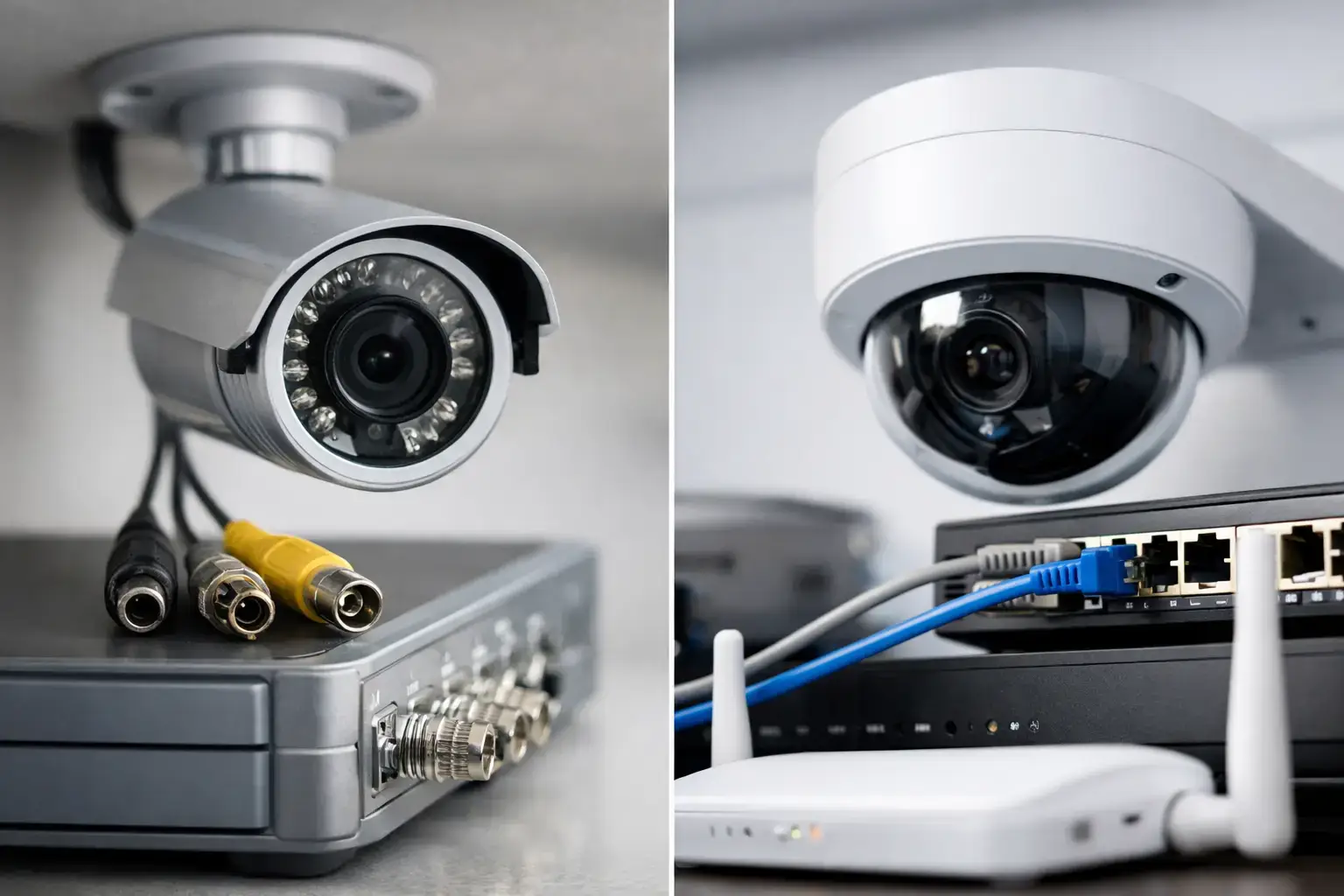
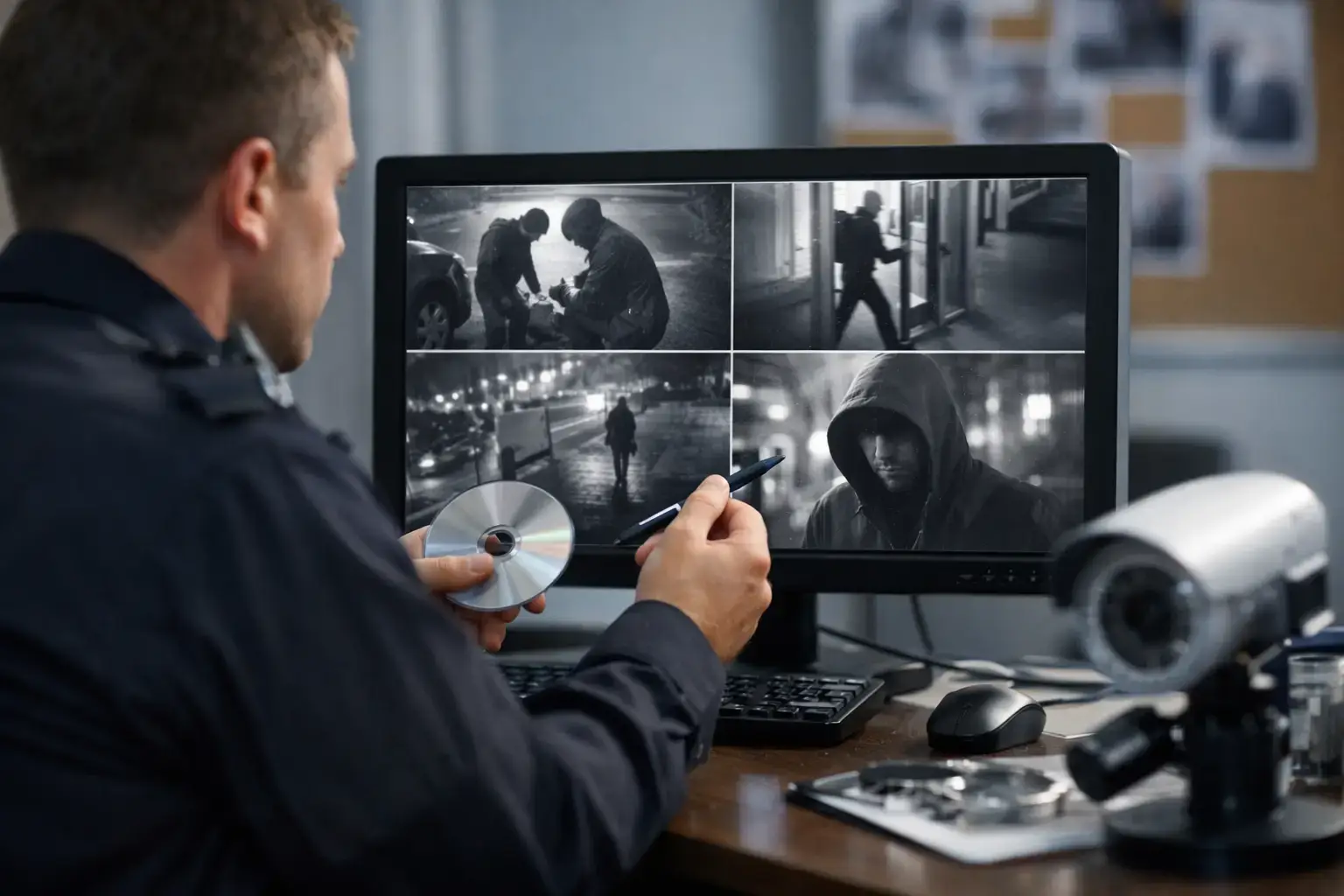
Resolving recording equipment problems starts with comprehensive diagnostic checks. Begin by verifying the power supply and storage capacity of your digital video recorder (DVR) or network video recorder (NVR). Carefully examine the system configuration checking that scheduled and event triggered recording settings are correctly implemented. Look for any signs of storage drive corruption or insufficient memory that might interrupt footage recording. Pay close attention to system logs which often provide critical insights into potential recording interruptions.
When performing system resets proceed with caution. Update the firmware to the latest version which can resolve many underlying software issues. If persistent recording problems continue investigate potential hardware faults such as failing hard drives or connectivity problems. Ensure all cable connections are secure and that network settings remain stable. Remember that systematic troubleshooting is key to maintaining the reliability of your security monitoring infrastructure.
Expert Tip: Keep a portable external hard drive with backup system configuration settings to rapidly restore your recording equipment in case of unexpected system failures.
Step 4: Verify network and remote access functionality
Ensuring seamless network connectivity and remote access is critical for maintaining the effectiveness of your burglar alarm system. Your goal is to confirm that all network pathways are functioning correctly and that you can securely access your security system from any authorised location.
Begin by checking your network configuration and internet connection stability. Test the IP address settings router configurations and network interface to confirm uninterrupted communication between your alarm system components. Verify that your remote access credentials are working by attempting to log into the system using both local and external network connections. Pay close attention to potential firewall restrictions or network security settings that might inadvertently block your access.
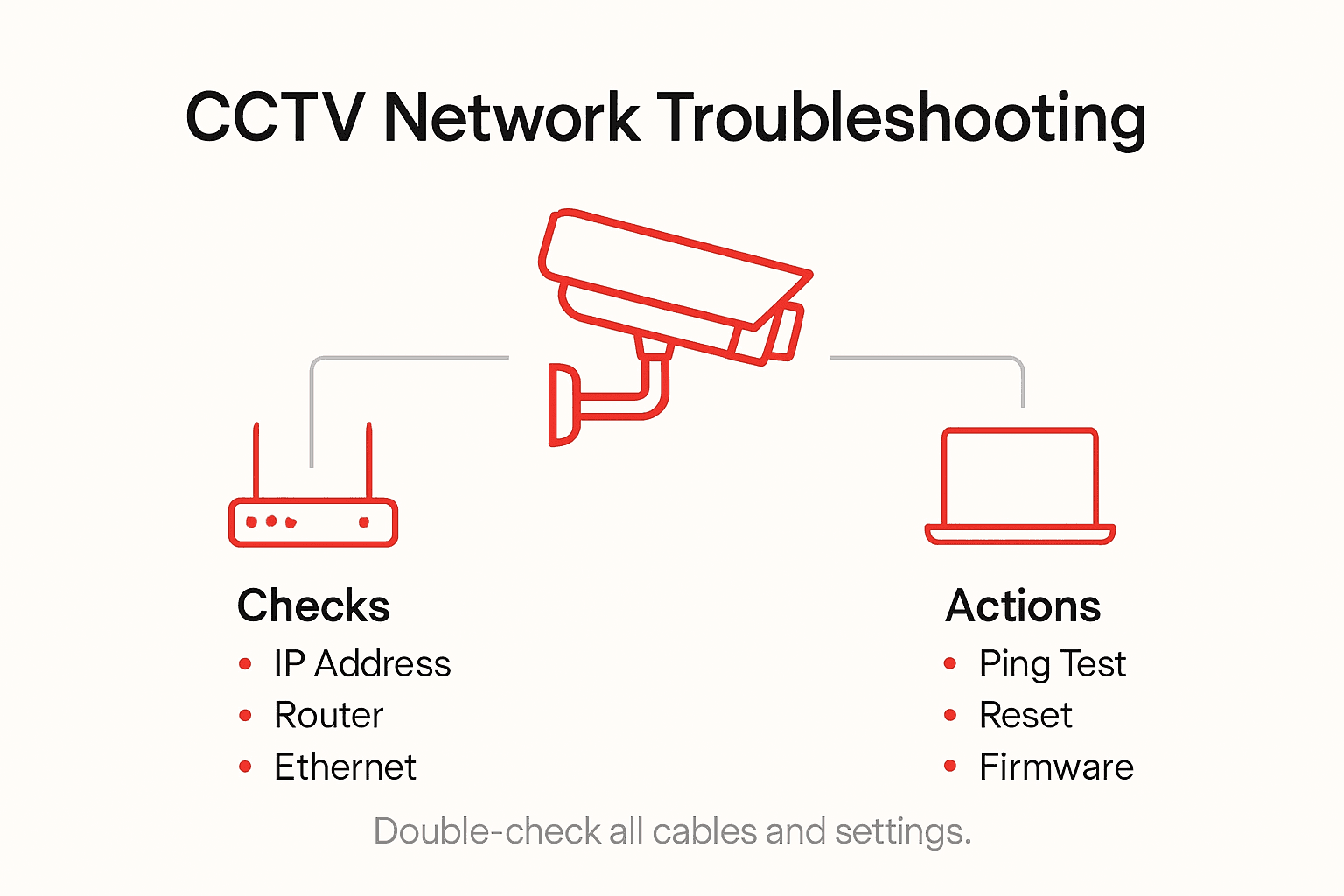
Carefully examine the system’s communication protocols ensuring that all firmware is up to date and that encryption settings are properly configured. Conduct systematic tests of your remote monitoring capabilities checking video streaming quality signal strength and response times. Investigate any intermittent connection issues by reviewing network logs and performing diagnostic tests on your network infrastructure. Remember that consistent and reliable remote access is fundamental to effective security monitoring.
Expert Tip: Maintain a separate mobile internet connection as a backup access method to ensure you can always reach your security system in case of primary network failure.
Step 5: Confirm repairs with a live monitoring review
The final stage of your burglar alarm system troubleshooting involves a comprehensive verification process to ensure all repairs have been successfully implemented. Your objective is to conduct a thorough live monitoring review that validates the system’s complete operational integrity.
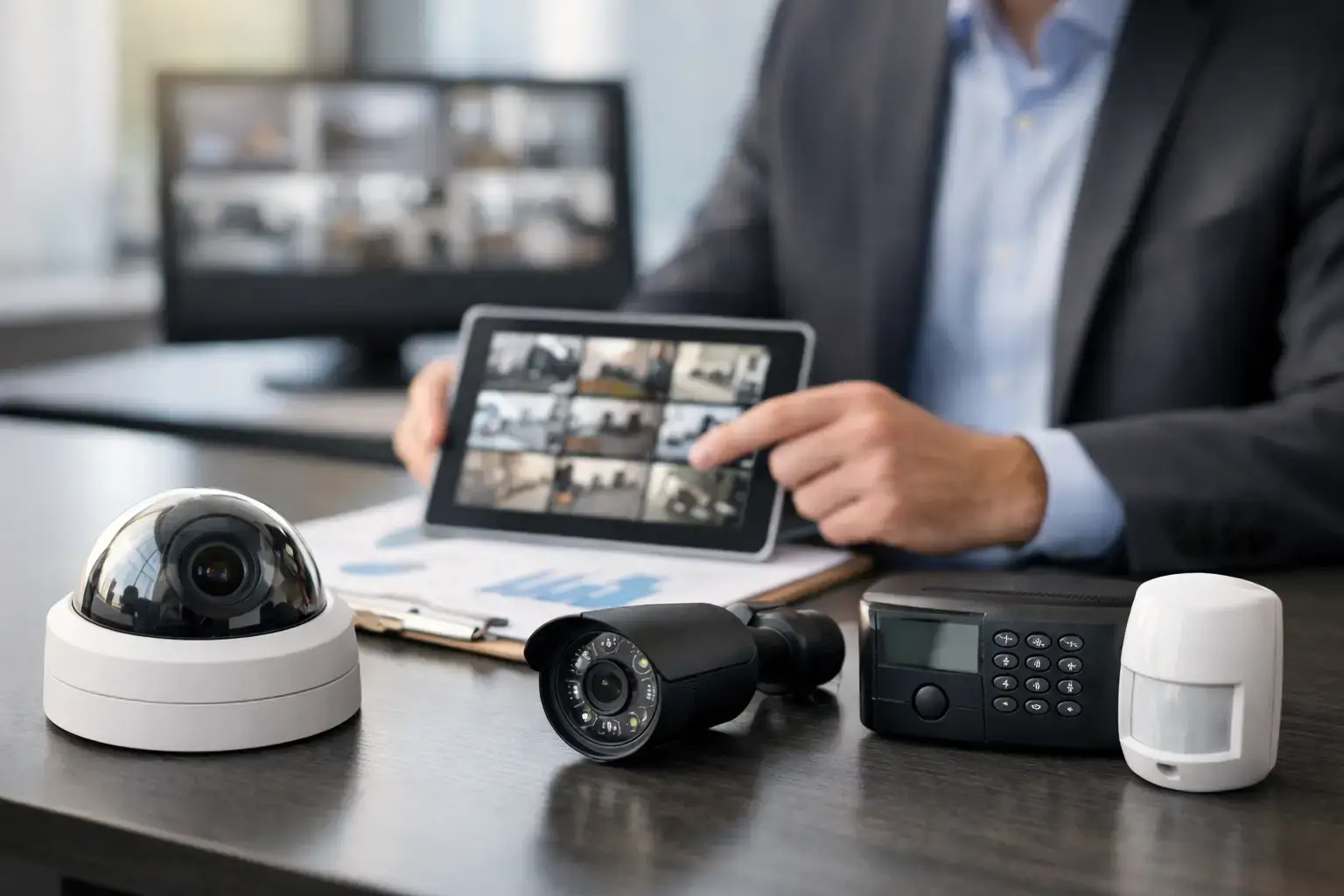
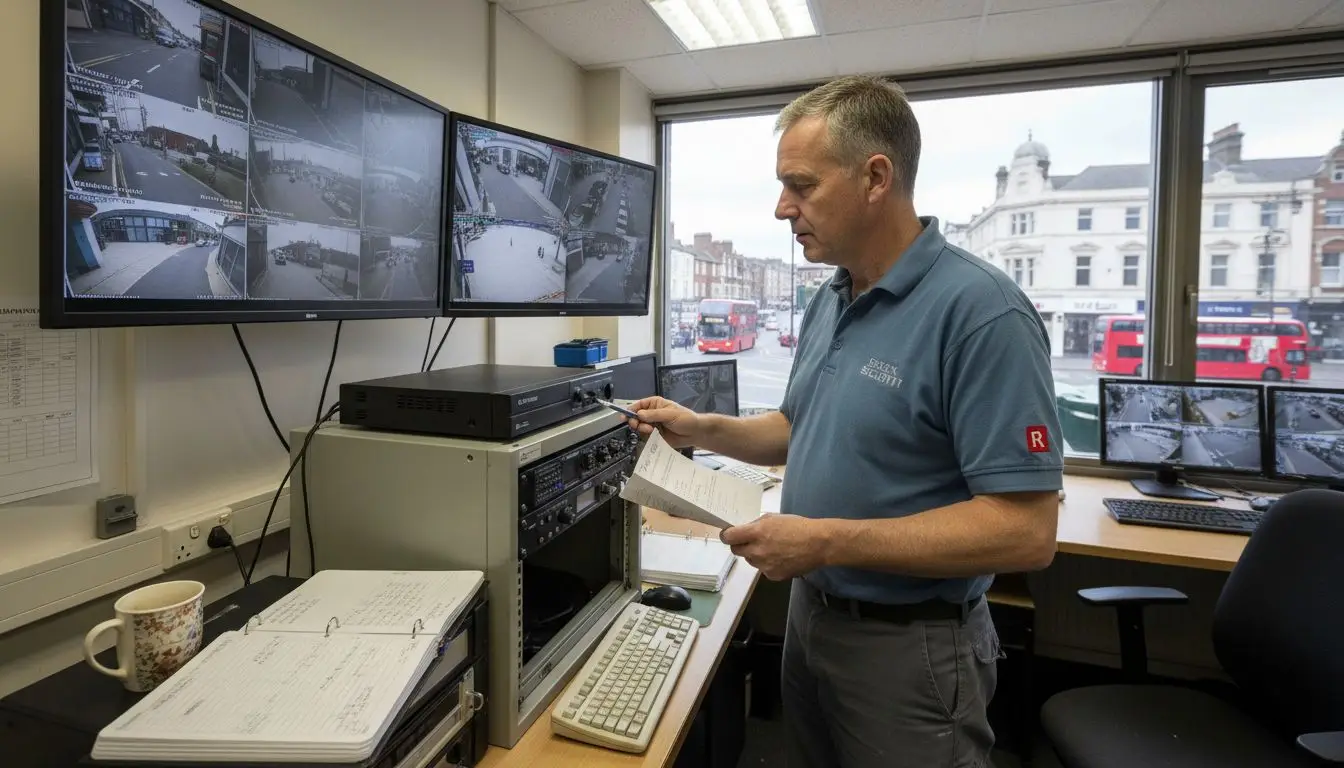
Comprehensive repair confirmation requires methodical assessment of your security system’s functionality. Begin by initiating a live monitoring session across all installed cameras checking for crystal clear video streams consistent signal quality and proper motion detection capabilities. Systematically review each camera’s performance verifying that previous technical issues have been fully resolved. Pay special attention to image clarity recording stability and response times for any triggered events. Simulate different scenarios to test the system’s alerting mechanisms and ensure that all components are communicating seamlessly.
Carefully document your observations during the live monitoring review noting any remaining inconsistencies or potential areas requiring further attention. Cross reference your findings with the original repair specifications to confirm that every identified issue has been comprehensively addressed. This meticulous approach ensures your burglar alarm system meets the highest standards of operational reliability and provides robust security coverage for your facility.
Expert Tip: Create a standardised checklist for live monitoring reviews to maintain consistency and ensure no critical aspects of system performance are overlooked during your verification process.
Here is a summary of common troubleshooting steps and their impact:
| Step Focus | Key Objective | Impact on Security |
|---|---|---|
| Power & Connections | Identify faults in cabling or PSU | Prevents system failures |
| Camera Lens & Quality | Ensure clear, reliable monitoring | Enables event capture accuracy |
| Recording Equipment Check | Maintain continuous footage | Secures evidence retention |
| Network & Remote Access | Guarantee offsite system access | Enables remote intervention |
| Live Monitoring Review | Validate system functionality | Confirms full operational status |
Secure Your Essex Facility with Expert CCTV and Alarm Solutions
Managing complex security systems like Hikvision AX Pro or Texecom Premier Elite can be challenging when facing power faults, image quality issues, recording errors or network interruptions. These problems put your facility at risk and create stress over potentially missed security events. Our team at 247 CCTV understands these pain points and the crucial need for reliable surveillance and alarm systems that just work every time.

Take control of your safety today by partnering with a trusted security installation company specialising in CCTV, burglar alarms, door entry and access control systems designed for your business or home. Whether you need expert installation, thorough servicing or rapid fault resolution, our Essex-based specialists provide fast dependable service tailored to your unique requirements. Don’t let technical setbacks compromise your security. Act now and discover tailored solutions with 247 CCTV to keep your property safe and monitored 24/7. Visit our homepage to get started or contact us for a consultation.
Frequently Asked Questions
How can I troubleshoot power issues in my CCTV system?
To troubleshoot power issues, first check the power supply unit and ensure the voltage is stable at 12V DC. Use a multimeter to confirm voltage at system components and replace any damaged cables immediately.
What should I do if my CCTV camera is producing blurry images?
If your CCTV camera is producing blurry images, inspect the lens for dirt or damage and clean it gently with a microfibre cloth. Also, adjust the camera settings such as focus and aperture to optimise image clarity.
How do I verify that my recording equipment is functioning properly?
To verify your recording equipment, check the power supply and storage capacity of your DVR or NVR. Review system logs for interruptions and perform diagnostics to ensure recordings are being captured consistently.
What steps should I take to ensure network connectivity for my CCTV system?
Ensure network connectivity by checking your router settings and confirming that your IP address configuration is correct. Test your remote access capabilities to guarantee seamless connection.
How can I conduct a live monitoring review of my CCTV system?
To conduct a live monitoring review, initiate a live session across all cameras and verify video quality, motion detection, and signal strength. Document your findings to ensure all previously noted issues have been resolved.
What routine maintenance can I perform to prevent future CCTV problems?
Perform regular maintenance by inspecting power connections, cleaning camera lenses, and checking recording settings. Schedule these checks quarterly to help prevent potential issues and maintain system reliability.
Recommended