Over 90 percent of successful workplace burglaries in the United Kingdom involve businesses with outdated or poorly configured surveillance systems. For any british company, robust CCTV installation and secure network setup are crucial for deterring threats and maintaining privacy. This guide walks through every practical step, from device selection to remote access, ensuring your british business can safeguard its premises with confidence and industry best practices.
Quick Summary
| Key Insight | Explanation |
|---|---|
| 1. Use High-Quality IP Cameras | Select cameras that meet at least 1080p resolution, 15 frames per second, and IP66 waterproof rating for optimal performance. |
| 2. Secure Remote Access Setup | Assign static IPs and enable port forwarding on your recorder to allow secure access from anywhere. |
| 3. Unique Credentials for Devices | Ensure all devices use strong, unique passwords and consider two-factor authentication for enhanced security. |
| 4. Comprehensive Testing of Access | Verify remote access functionality across different devices and scenarios to confirm reliability and performance quality. |
| 5. Regular Security Audits | Conduct quarterly audits of your remote CCTV access to identify and rectify potential security vulnerabilities. |
Step 1: Prepare your CCTV system and network
Preparing your business CCTV system requires careful network planning and strategic device configuration. You will need to ensure your surveillance infrastructure meets professional security standards and maintains robust connectivity across your premises.
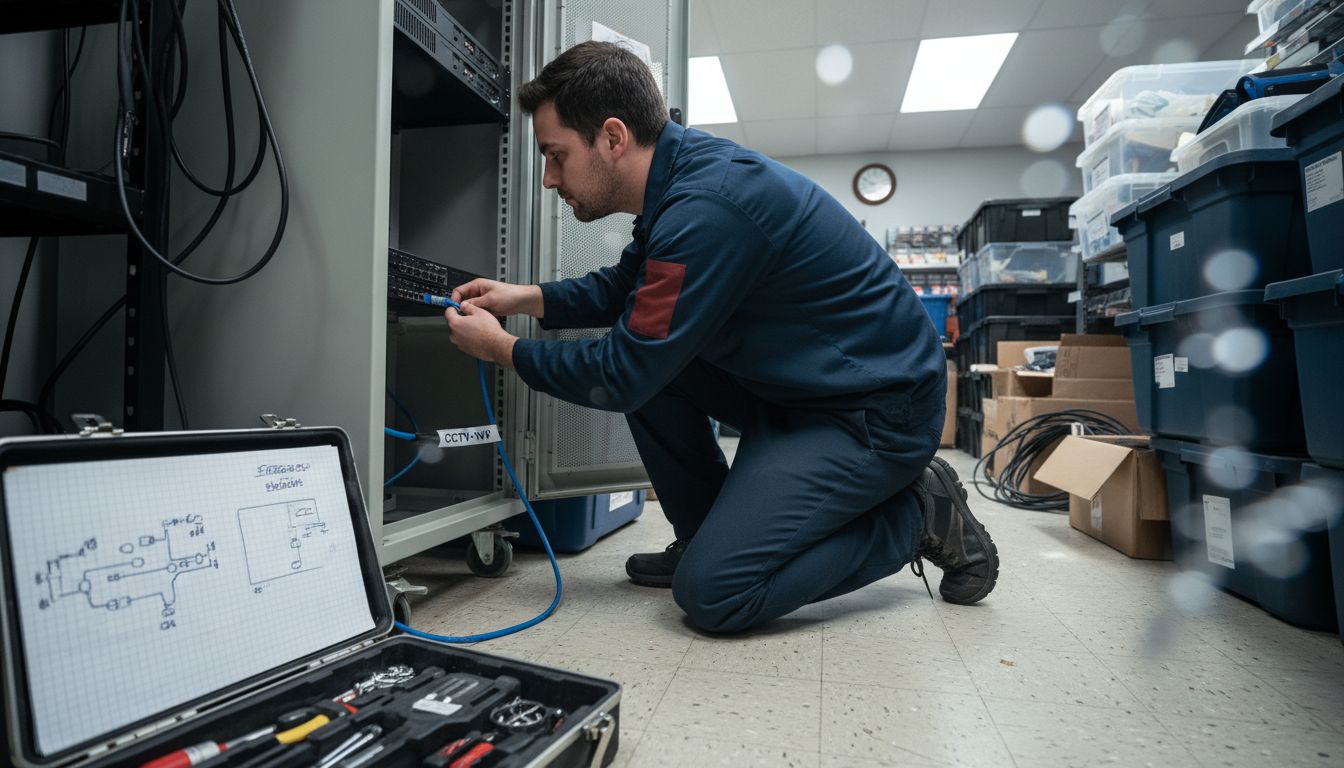
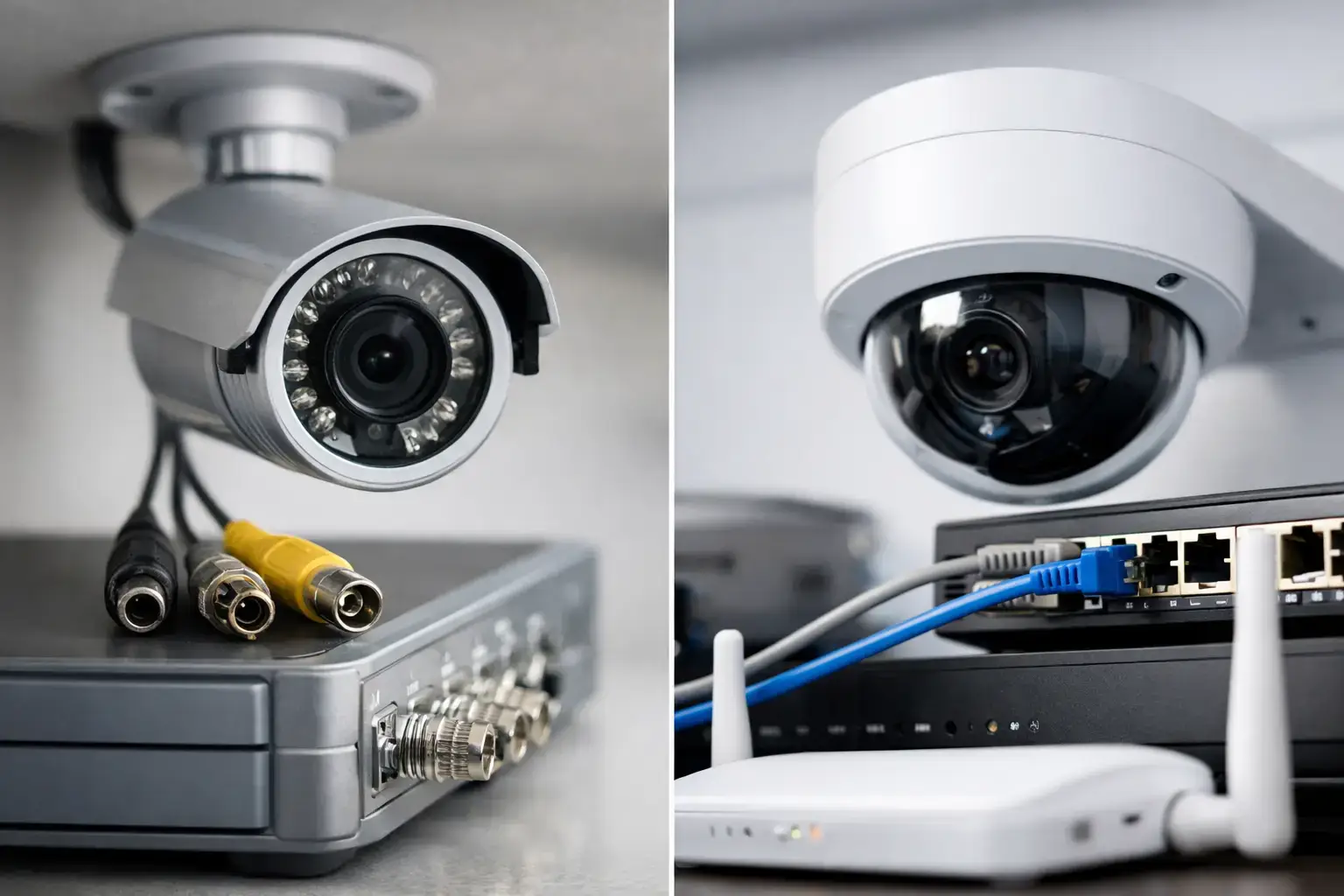
Start by selecting IP-based cameras that meet government recommended specifications. This means choosing cameras with at least 1080p resolution, a minimum 15 frames per second video rate, and IP66 waterproof rating for external units. Network security is paramount, so implement secure access protocols like SSHv2 and HTTPS while disabling less secure communication methods such as Telnet.
When configuring your network, limit administrative access to critical system credentials. Assign unique root passwords for each device and restrict password knowledge to essential personnel. This approach minimises potential security vulnerabilities and ensures your surveillance system remains a controlled, protected asset. Your next steps will involve physically mounting cameras and establishing network connections to create a comprehensive monitoring environment.
Pro Tip: Always test camera angles and network connectivity before finalising installation to prevent future repositioning or reconfiguration.
Step 2: Configure your recorder for remote access
Configuring your CCTV recorder for remote access transforms your security system from a local monitoring tool into a flexible, accessible network solution. This step allows you to view your premises from anywhere using a smartphone, tablet, or computer.
To set up remote access, you will first need to assign a static IP address to your network video recorder (NVR) or digital video recorder (DVR). Access the device’s network settings and configure a fixed IP that remains consistent across network reboots. Next, enable port forwarding on your router to create a secure pathway for external connections. This process involves accessing your router’s administration panel and mapping specific ports to your recorder’s internal IP address.
Secure remote access requires robust authentication mechanisms. Create strong, unique passwords for your recorder and disable any default admin credentials. Consider implementing two factor authentication if your system supports it. Some modern CCTV systems offer dedicated mobile applications that simplify remote viewing and provide additional security layers.
Pro Tip: Always use a virtual private network (VPN) when accessing your CCTV system remotely to add an extra layer of encryption and security protection.
Step 3: Connect mobile or desktop viewing devices
Connecting your mobile and desktop devices to your CCTV system creates a comprehensive monitoring solution that provides real time access to your business premises from anywhere in the world. This crucial step transforms your security infrastructure into a flexible and responsive network.
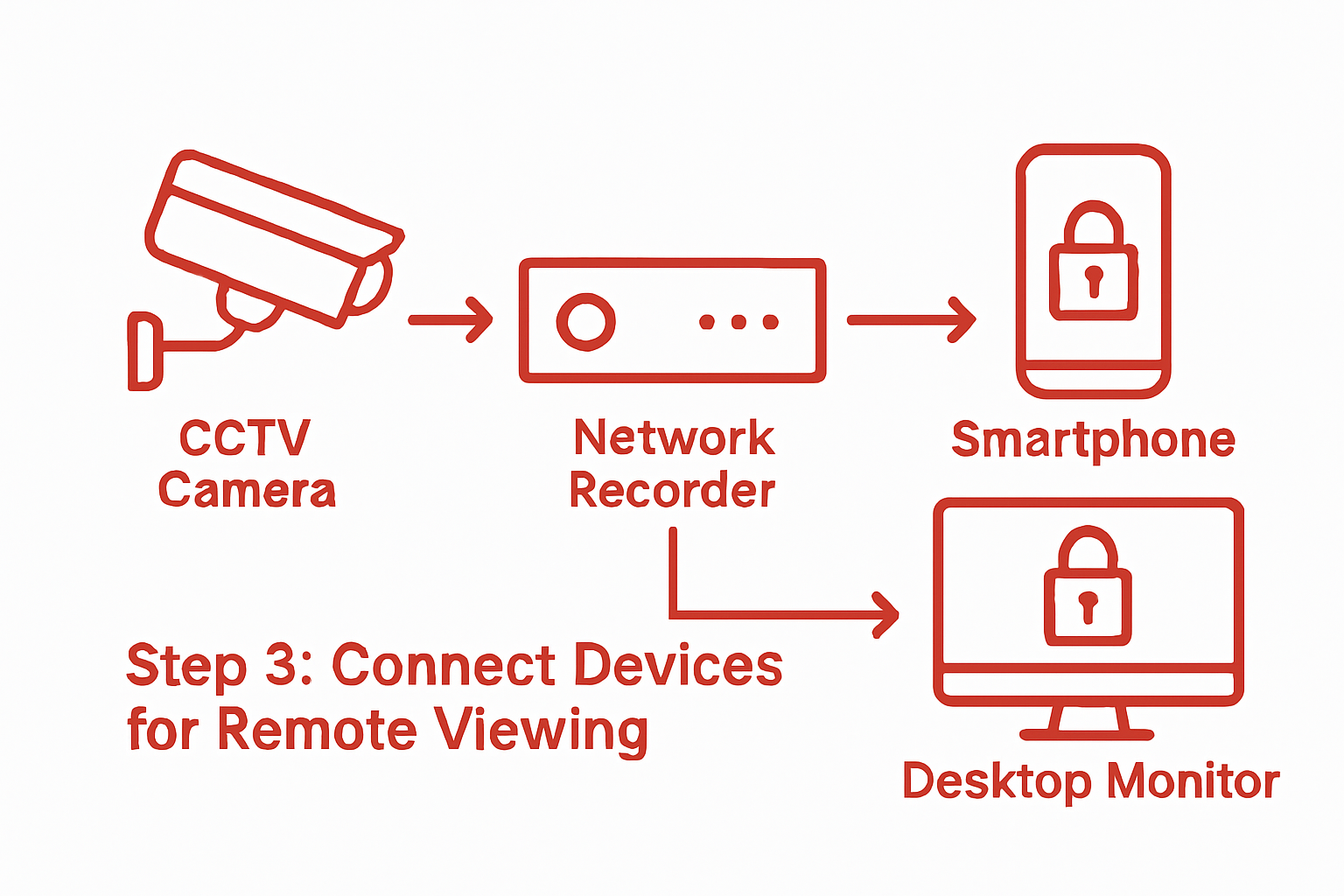
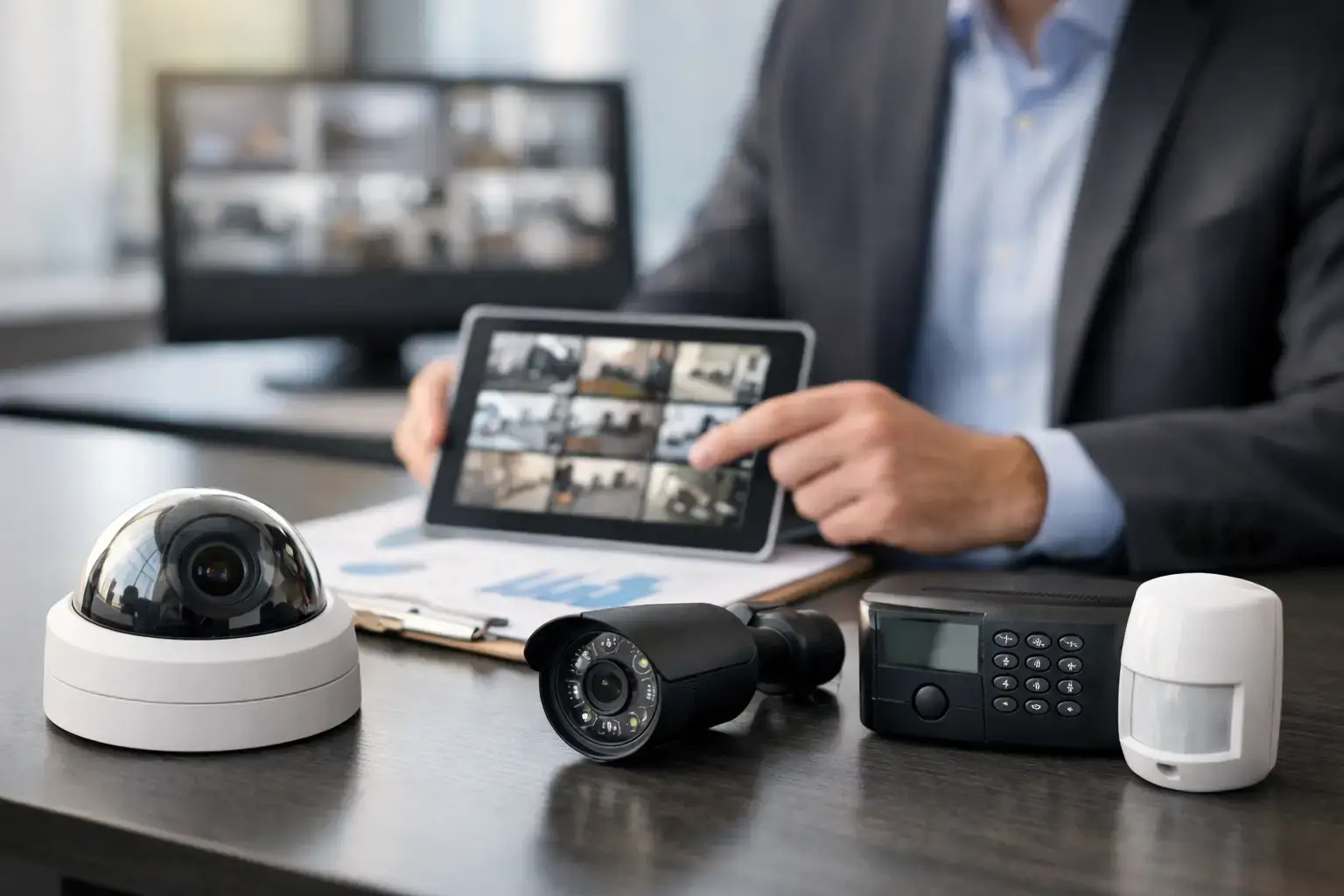
Begin by downloading the manufacturer specific mobile application or desktop software for your specific CCTV system. For many modern systems, mobile apps simplify the connection process with user friendly interfaces and straightforward setup wizards. You will typically need to scan a QR code generated by your network video recorder or enter specific login credentials provided during initial system configuration.
When connecting multiple devices, ensure each has unique login credentials and appropriate access levels. Some systems allow you to create different user profiles with varying permissions. For instance, management might have full system access while security personnel receive limited viewing capabilities. Configure these settings carefully to maintain robust security protocols and prevent unauthorised system modifications.
Pro Tip: Always use strong unique passwords for each device and enable two factor authentication when available to maximise your system security.
Step 4: Test and verify remote CCTV access
Testing and verifying your remote CCTV access is a critical final step that ensures your security system performs exactly as expected across different devices and network conditions. This verification process confirms that your investment provides reliable monitoring capabilities whenever and wherever you need them.
Proceed systematically by first checking live video feeds from multiple devices including smartphones, tablets, and desktop computers. Comprehensive remote access testing requires you to verify several key functionalities. Start by examining video quality, checking that camera angles display correctly, and confirming that pan tilt zoom (PTZ) controls operate smoothly if your system includes motorised cameras. Test your connection using both mobile data and wifi networks to simulate different access scenarios.
During your verification process, document any connectivity issues or performance inconsistencies. Some systems might require minor configuration adjustments to optimise remote viewing experience. Pay special attention to low light and night vision capabilities, ensuring your cameras provide clear imagery regardless of environmental conditions. Your goal is a robust system that delivers reliable security monitoring with minimal technical complications.
Pro Tip: Conduct remote access tests during different times of day and from various network environments to guarantee consistent performance across all potential usage scenarios.
Step 5: Implement security measures for safe viewing
Implementing robust security measures for your remote CCTV viewing is essential to protect sensitive footage and maintain strict access controls. Your goal is to create a secure viewing environment that prevents unauthorised access while ensuring legitimate users can monitor their premises effectively.
Updating your privacy documentation represents a critical first step in establishing comprehensive security protocols. This involves clearly documenting the lawful basis for footage collection, specifying data retention periods, and outlining the precise security measures protecting your digital surveillance system. The Information Commissioner’s Office recommends creating transparent policies that detail exactly how and why video recordings are being captured and stored.
When configuring access permissions, implement multi layered authentication mechanisms. This means combining strong password requirements with two factor authentication and carefully managing user role permissions. Position monitoring stations in secure locations where they cannot be viewed by unauthorised personnel, ensuring that sensitive surveillance infrastructure remains protected. Regularly audit and update access credentials, removing permissions for staff who no longer require system entry and maintaining a strict record of who can view your security footage.
Pro Tip: Conduct quarterly security audits of your remote viewing access to identify and address potential vulnerabilities before they can be exploited.
Enhance Your Business Security with Expert CCTV Remote Viewing Installation
Setting up remote CCTV viewing for your UK business can feel complex with challenges like secure network configuration, device management, and protecting sensitive footage. This guide highlights key concerns such as assigning static IPs, enabling secure port forwarding, and implementing two factor authentication to keep your system safe from unauthorised access. You want a seamless remote monitoring solution that offers clear video feeds anytime without risking your business security or compliance.
At 247 CCTV, we understand how vital it is to have a reliable and secure remote access system tailored to your specific needs. Our professional installation team ensures your cameras and recorders are configured perfectly for remote viewing with robust security measures in place. Trust us to handle:
- Secure network setup with fixed IP assignment
- Password and access management to protect your surveillance data
- Integration with mobile and desktop viewing apps for convenience
- Ongoing support to verify and maintain your CCTV remote access
Don’t wait until a security gap appears. Take control of your business monitoring today by visiting 247 CCTV security solutions. Explore how we can simplify your CCTV remote viewing setup and safeguard your premises effectively. Contact us now to get started with a tailored security installation that works for you.
Frequently Asked Questions
How do I prepare my CCTV system and network for remote viewing?
To prepare your CCTV system for remote viewing, select IP-based cameras that meet professional specifications and ensure proper network security. Begin by configuring each device with unique root passwords and restricting access to necessary personnel.
What steps are involved in configuring my CCTV recorder for remote access?
Configuring your CCTV recorder involves assigning a static IP address and enabling port forwarding on your router to allow external connections. Ensure strong, unique passwords are set for the recorder to enhance security, and consider two-factor authentication if supported.
How can I connect mobile or desktop devices to my CCTV system?
To connect mobile or desktop devices, download the manufacturer’s specific application or software and follow the setup instructions. You typically need to scan a QR code or enter login credentials provided during the system configuration to establish a connection.
What should I test when verifying remote CCTV access?
When testing remote CCTV access, check live video feeds from different devices, ensuring clarity and functionality of features like pan tilt zoom controls. Document any issues encountered to resolve configuration inconsistencies and enhance performance.
How can I implement security measures for safe remote viewing?
To secure remote viewing, update your privacy documentation to clarify data collection and retention practices. Implement multi-layered authentication by combining strong passwords with two-factor authentication, and regularly audit user permissions to ensure only authorised personnel have access.
What regular maintenance is recommended for my CCTV system?
Regular maintenance of your CCTV system includes quarterly security audits to identify potential vulnerabilities, and updating access credentials for current personnel. This proactive approach helps maintain a secure and reliable surveillance infrastructure.